A security camera outdoor helps protect a home and deter crime. The reader will learn how outdoor cameras work, what features matter, and how to avoid common mistakes. This guide gives clear steps to pick a camera, install it safely, and keep it secure. The advice suits renters and homeowners. The tone stays practical and direct.
Key Takeaways
- A security camera outdoor deters crime and provides crucial evidence by monitoring entry points and high-value areas around a home.
- Choose a camera with weather resistance, night vision, and suitable IP ratings to ensure clear images and reliable performance in outdoor conditions.
- Select features like motion detection with smart alerts, two-way audio, and appropriate power options (wired, battery, or solar) based on your placement and use case.
- Secure your outdoor camera system by changing default passwords, using strong encryption like WPA3, enabling multi-factor authentication, and isolating cameras on a guest network or VLAN.
- Regularly update firmware, maintain camera lenses and views, and verify recordings to keep the outdoor security camera effective and secure.
- Combine local recording with cloud storage when possible to ensure video retention during internet outages and improve overall reliability.
Why Outdoor Security Cameras Matter—Benefits, Use Cases, And Types
A security camera outdoor records activity and provides evidence after an incident. It deters casual thieves and helps neighbors report suspicious behavior. Homeowners use outdoor cameras to watch driveways, front doors, backyards, and detached garages. Renters use outdoor cameras with permission or use doorbell-style units that require no wiring.
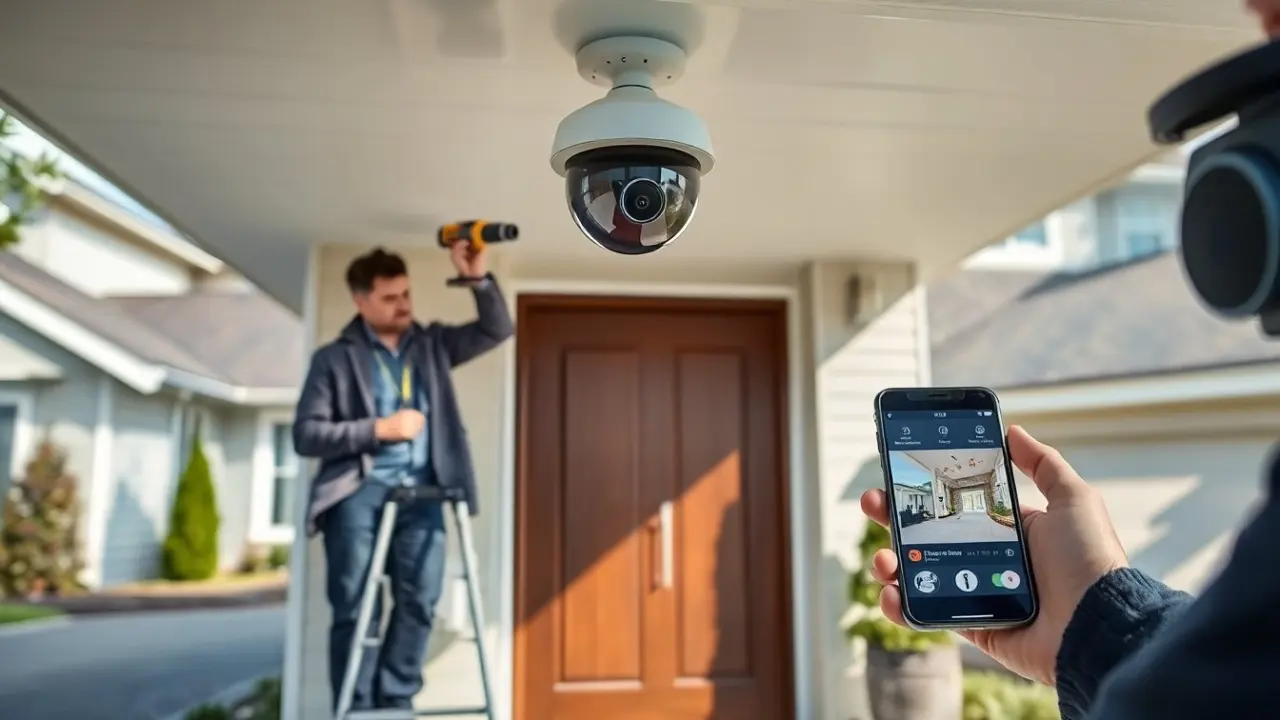
There are four common types of outdoor cameras. Bullet cameras mount on walls and point at a fixed area. Dome cameras sit under eaves and resist tampering. PTZ cameras pan, tilt, and zoom to follow motion. Doorbell cameras combine a chime and a camera at the entry.
A security camera outdoor can send live video to a phone. It can send alerts when it detects motion. It can record on local storage or cloud storage. The user should weigh storage cost against convenience.
People choose cameras for different reasons. Some want real-time alerts for packages. Some want evidence to give police. Some want remote check-ins for children, pets, or contractors. The right camera depends on where they will place it and how they will use it.
Weather rating and night vision matter. An outdoor camera must resist rain, wind, and dust. An outdoor camera must show clear images at night for evidence. Buyers should check IP ratings and low-light specs before purchase.
How To Choose The Right Outdoor Camera: Key Features, Specs, And Trade‑Offs
Buyers should compare image quality, field of view, and connectivity. A security camera outdoor with 1080p gives clear images for most uses. A 2K or 4K camera gives more detail but uses more bandwidth and storage. A wider field of view covers more area but gives less detail at distance.
Motion detection and smart alerts reduce false alarms. Cameras with person or vehicle detection send fewer alerts than motion-only units. The user should test detection in their environment before finalizing a plan. Two-way audio helps the user speak to visitors or warn intruders.
Power options affect placement. Wired cameras draw continuous power and stay online during long storms if power stays on. Battery cameras allow flexible placement and work during power outages if they have local recording. Solar panels can extend battery life but need direct sun.
Network type affects performance. A Wi‑Fi camera is easy to set up. An Ethernet camera gives a stable connection and lower latency. A security camera outdoor that supports both gives flexibility. Users should pick a camera that supports current home network speeds.
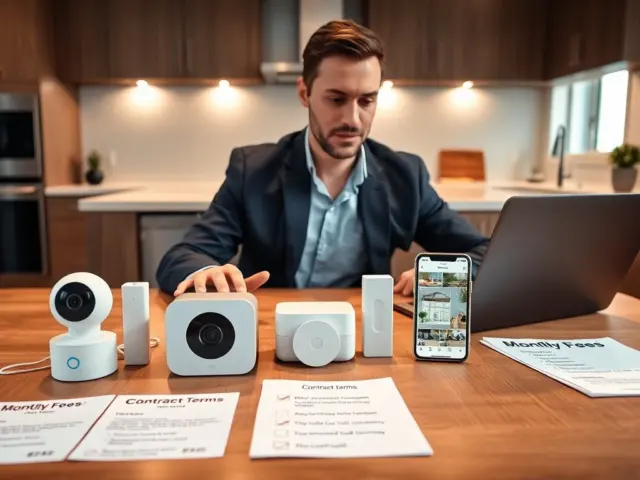
Privacy and data policies matter. Some cloud services keep video for a fee. Some cameras offer local storage only. Buyers should read privacy policies and decide whether they trust a vendor with stored video.
Installation, Placement, Network Security, And Maintenance Best Practices
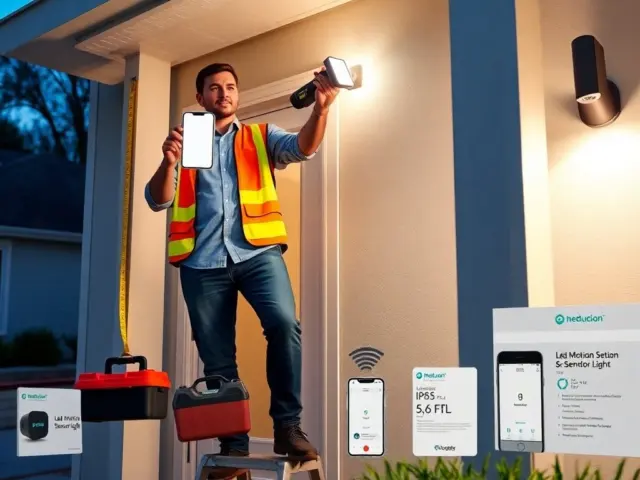
Install the security camera outdoor where it sees entry points and high‑value areas. Mount cameras 8 to 10 feet high to avoid tampering. Angle cameras to capture faces and license plates. Avoid pointing cameras at neighbors’ windows to reduce privacy complaints.
Secure the network before adding a camera. Change default passwords and enable strong, unique passwords on each camera. Place cameras on a guest network or a separate VLAN to limit access to other home devices. Enable WPA3 or WPA2 encryption on the router.
Keep firmware current. Camera makers release updates to fix bugs and close vulnerabilities. Set devices to update automatically when possible. The user should check firmware status at least once per quarter.
Use multi-factor authentication on accounts that store video. Turn on two-factor authentication for the camera vendor account and the connected cloud service. Limit account access to trusted family members.
Maintain cameras seasonally. Clean lenses with a soft cloth to remove dust and insect residue. Trim branches that block views. Test motion zones and alerts after storms and after changing camera position.
Record locally when possible. Local recording on an SD card or NVR keeps video when the internet fails. Combine local recording with optional cloud backup for extra redundancy. The user should verify recordings periodically to confirm the system works.