How to design a home security system starts with covering every entry point, choosing devices to match, securing the hub and network, then deciding who watches the alerts.
The physical layout matters, but so does the network behind it. For the wider principles, see our guide on how to secure smart home devices. The plan below puts doors, windows, devices and accounts in the order you should decide them.
Map entry points and set goals
Start with how a break-in actually happens. Security.org notes that forcible entry is the most common method across burglary offenses, and that homes without security systems are considerably more likely to be targeted than those with them. That makes doors and ground-level windows the first things to protect, ahead of any gadget.
Walk the property and list every way in: front and back doors, garage access, ground-floor windows, basement windows and any gate or side yard. Note which entry points are hidden from the street, because those need detection and a camera view. Then write down what you want the system to do: deter, alert you, alert a monitoring center, or all three.
Set a budget before you shop. Prices in the industry vary widely, and the recurring cost, not the hardware, is usually what separates one plan from another. If you rent, check what the lease allows before drilling or fitting anything permanent. A system that can be added to later lets you begin with the entry points that matter most, since sensors and panic buttons can be added after the fact.
Choose components for your home
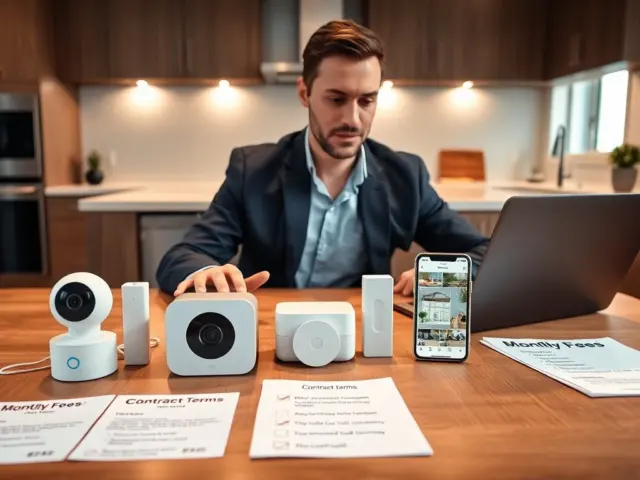
Match devices to the entry list rather than buying a bundle and working backward. Common system parts include entryway sensors, motion sensors, base stations, security cameras and video doorbells, according to SafeHome.org. The table shows what each does and how to use it in your plan.
| Component | What it does | Planning use |
|---|---|---|
| Door and window sensor | Two parts, a magnet and a sensor, that detect when an entry opens | Fit on all ground-level doors and windows; use the included mounting hardware |
| Motion sensor | Passive infrared (PIR) detects changes in heat signature | Covers interior spaces that a burglar must cross once inside |
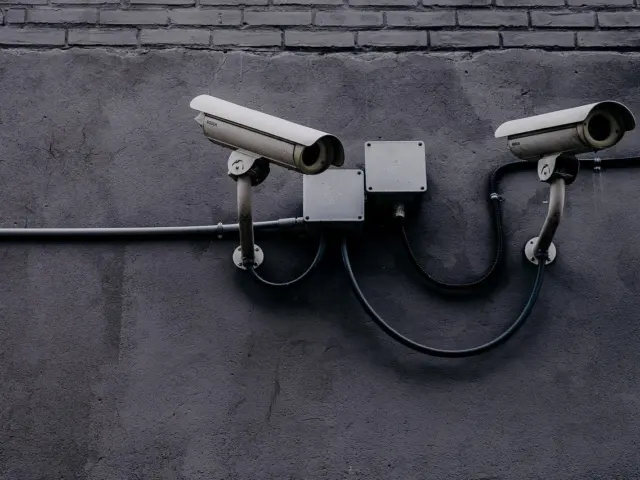
| Security camera | Minimum expected features are HD image quality, mobile access to live feeds and two-way voice | Aim at entrances and blind spots; reject models missing these basics |
| Smart lock | Home automation device, listed alongside thermostats | Add only after checking its risks and your hub’s compatibility |
| Alarm hub | Base station that connects the devices; most work with Z-Wave, Zigbee and IFTTT devices | Confirm every sensor speaks the hub’s protocol before buying |
| Professional monitoring | A monitoring center that responds to alerts | Optional service layered on the hub; budget for the recurring fee |
Figures and features above come from SafeHome.org and Security.org.
Adjusting the checklist to your home
Security.org recommends contact sensors on all windows and doors on the ground level. A house with a back garden, garage and basement therefore needs far more contact sensors than an upper-floor apartment with a single front door. In a larger home, add motion sensors to the hallways and rooms between entrances and valuables. In a small flat, a hub, an entry sensor and a doorway camera may be enough to start.
Cameras deserve their own planning. Our guide to Home Security Camera Systems: How To Choose, Install, And Secure Yours In 2026 – Cubeguard covers choosing, placing and securing them in more depth. Many cameras also integrate with Google Home, Apple HomeKit and Amazon Alexa, so check that yours matches the platform your household already uses.
For locks, read are smart locks safe before fitting one on your main door. A lock is both a convenience and an entry point, so it belongs in the plan only when you are comfortable with its risks.
Place devices on a floor plan
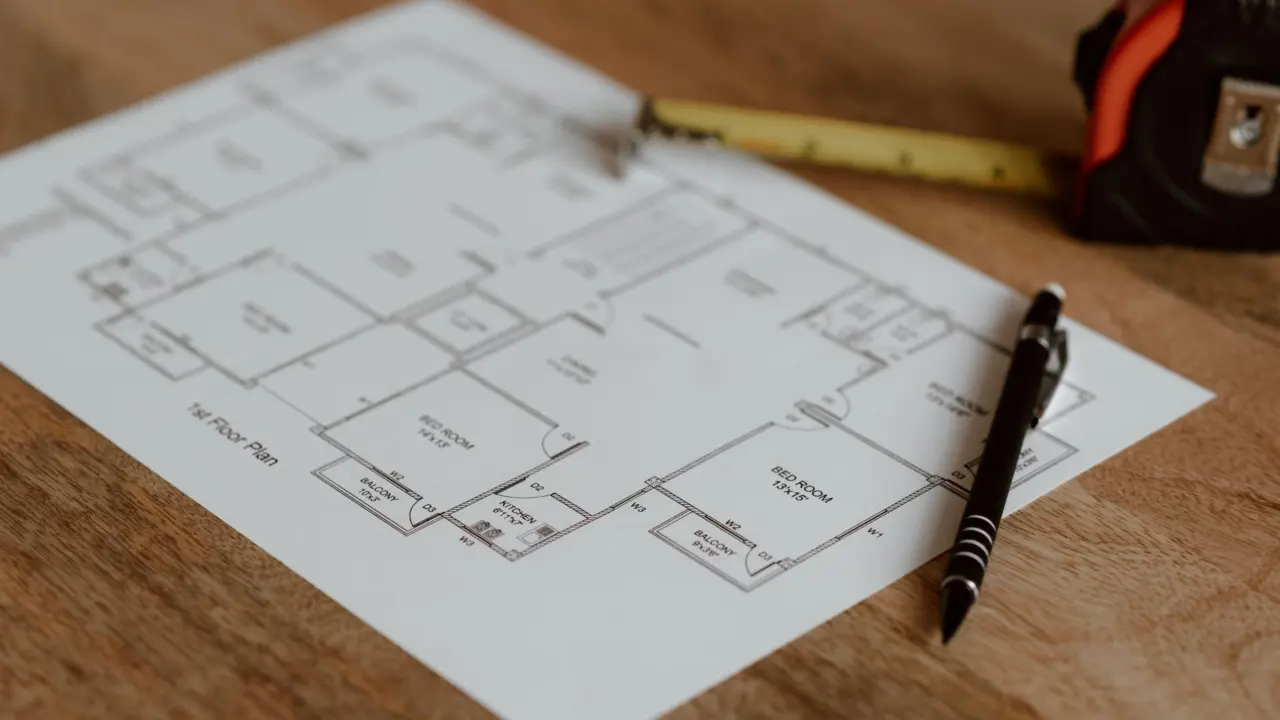
Sketch the layout and mark each device before buying or drilling. This turns the entry list into a shopping list and shows gaps, such as a side door with no camera view.
- Mark entry points first. Put a contact sensor symbol on every ground-level door and window.
- Add interior detection. Place motion sensors along the routes between entrances and the rooms you most want protected.
- Place cameras last. Cover the entrances and blind spots that sensors cannot show you, and avoid aiming at neighbors’ private areas.
- Position the hub centrally. Keep it where it can reach the devices and sit near the router, with power backup if your system supports it.
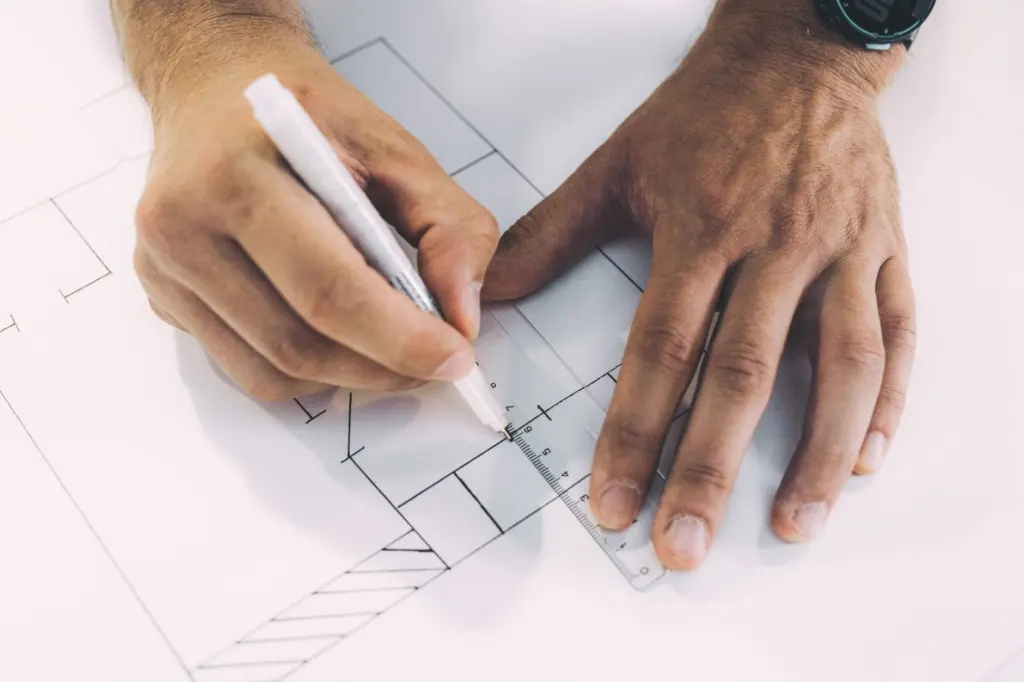
Mounting method matters as much as position. Adhesive-backed entry sensors can lose their grip over time, especially in humid places such as bathrooms or garages, so use the included mounting hardware where moisture is likely.
Secure the hub, network and accounts
Most designs stop at doors and windows, but every connected device is also a network entry point. The hub joins sensors, cameras and apps to your home network, so it deserves the same attention as a front door lock.
Hub and protocols
Choose a hub whose supported protocols cover all the devices you plan to own. Most hubs work with Z-Wave, Zigbee and IFTTT devices, which gives you room to mix brands without a second hub. Keeping devices on one hub also reduces the number of separate apps and accounts you must protect.
Accounts and household access
Security.org describes multiple app users as a must for household access. Give each person their own login instead of sharing one, so you can remove a single user without changing everyone’s credentials. Use a strong, unique password on every account tied to the system, and keep them in a password manager.

Router and updates
Place the hub next to the router so it has a strong, stable connection, and change the router’s default login. Install firmware updates when vendors release them, and replace or retire devices that no longer receive updates. These are general hardening habits; the wider guide on securing smart home devices goes deeper.
Decide on monitoring
You can self-monitor, buy professional monitoring or do both, as Security.org frames the choice. The right answer depends on whether you can respond to an alert quickly yourself.
- Self-monitoring. Alerts go to your phone and you decide what to do. It suits people who are usually reachable and want no recurring monitoring bill. Starter sets and individual pieces from DIY-friendly brands can be installed without professionals, according to IoT For All.
- Professional monitoring. A monitoring center staffed around the clock receives alerts and notifies you or dispatches police. It suits households that are often away or cannot always check a phone. It usually adds a monthly or yearly cost.
- Both. You see every alert and the center acts if you do not. This costs the same recurring fee as professional monitoring alone.
Monitoring can partly offset its cost. Security.org reports insurance discounts ranging from two to 15 percent off premiums, varying by insurer, so ask yours before choosing a plan. Installation is a separate choice: if setup becomes burdensome, IoT For All advises budgeting for professional installation.
Install, test and maintain
Install the hub and network protections first, then add devices one at a time, following each manufacturer’s mounting instructions. After each device, trigger it deliberately and confirm that the alert reaches every household member’s phone.
Once everything is in place, walk the whole plan against your floor sketch. Open each protected door and window, cross each motion zone and check each camera view. If a monitoring plan is included, confirm the center has the right contacts. Record the setup and store login details securely.
Revisit the design after renovations, new devices or a change in who lives in the home. Replace batteries when devices report low power, clean camera lenses and keep firmware current. Treat the system as something that needs upkeep, not a purchase you make and then forget.
Frequently asked questions
Will pets set off motion sensors?
Not always. According to SafeHome.org, most pet-immune motion sensors can disregard animals up to 80 pounds, and some higher-end models go up to 100 lb. If your pet is heavier, choose a sensor rated above its weight or avoid placing sensors where it roams.
Can I start small and add devices later?
Yes. Security.org notes you can always add more sensors, panic buttons and other equipment after the fact. Start with the entry points and a compatible hub, then expand.
Do I have to pay a subscription to use the app?
It depends on the system. Security.org says some providers, such as ADT and Frontpoint, require a subscription to use the mobile app, while most offer free app features. Check this before buying.
What is the minimum I should expect from a camera?
HD image quality, mobile access to live feeds and two-way voice, according to SafeHome.org. Anything below that is hard to justify as a core part of your system.