security camera system for home helps protect property and people. The reader will learn how to evaluate needs, choose cameras, place devices, and secure the network. The guide uses clear steps and simple rules. It focuses on practical choices that fit common budgets and living situations.
Key Takeaways
- A security camera system for home starts with assessing risks, setting a budget, and choosing cameras based on your specific needs such as deterrence or remote monitoring.
- Prioritize camera features like resolution (1080p minimum), night vision, and reliable motion detection to ensure effective surveillance and evidence collection.
- Proper placement is crucial: mount outdoor cameras 8-10 feet high, avoid glare and reflections, and cover all entry points and blind spots.
- Secure your camera system by using strong passwords, enabling WPA3/WPA2 on your network, updating firmware regularly, and restricting remote access to trusted users.
- Regular maintenance—cleaning lenses, checking battery levels, reviewing footage, and updating software—helps maintain system reliability and reduces false alerts.
- Always respect privacy laws and neighbor boundaries by properly positioning cameras and informing household members about their use.
How To Assess Your Home Security Needs And Budget
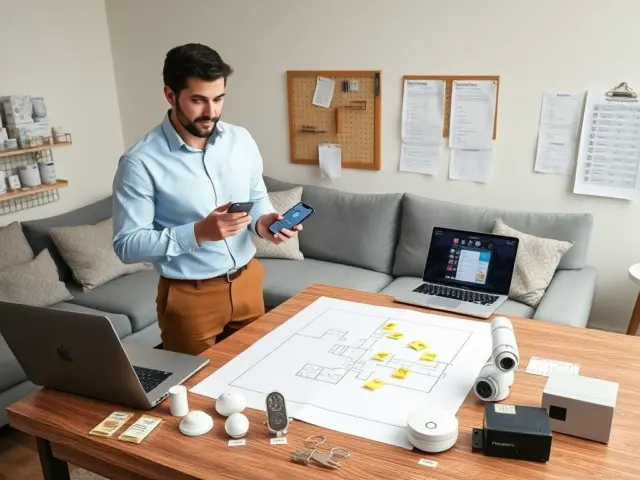
Start by listing risks and assets. The homeowner should name entry points, high-value items, and areas with low visibility. He or she should note times when the home is empty and common routes visitors take. The homeowner should measure coverage needs in square feet and story levels. The homeowner should decide whether indoor, outdoor, or both types of cameras will fit the site.
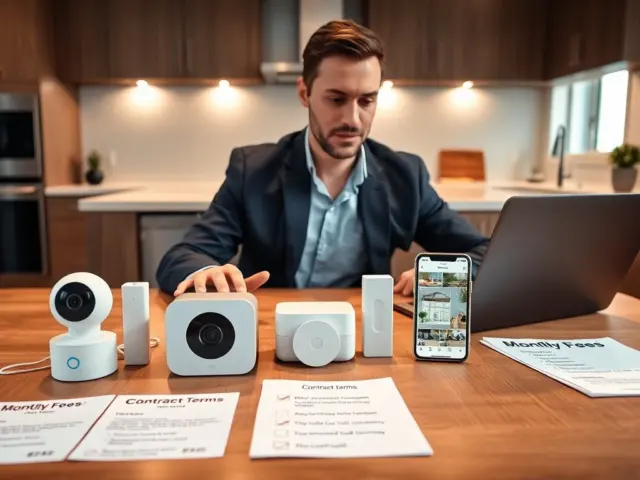
Estimate a realistic budget. The buyer should set a total amount and divide it among hardware, storage, and installation. The buyer should plan for at least three categories: basic cameras, mid-range cameras with motion detection, and premium cameras with analytics. The buyer should include costs for mounts, cables, and power. The buyer should include a small buffer for replacement parts or upgrades.
Choose goals that match the budget. He or she should ask whether the priority is deterrence, evidence collection, or remote monitoring. The homeowner should pick features that match the goal. If the goal is deterrence, visible cameras and signs suffice. If the goal is evidence, the homeowner should choose higher resolution and cloud storage. If the goal is remote monitoring, the homeowner should pick cameras with reliable app support.
Check local rules. The homeowner should confirm laws about recording audio and private spaces. The homeowner should avoid pointing cameras at neighbors’ private property. The homeowner should review homeowners association rules and rental agreements when relevant.
Key Camera Types, Features, And What To Prioritize
The buyer should learn the main camera types. Dome cameras suit indoor ceilings. Bullet cameras suit outdoor walls. Pan-tilt-zoom cameras suit wide areas that need active tracking. Doorbell cameras fit entries and porches. The buyer should match camera types to placement and function.
The buyer should prioritize these features in order: image quality, night vision, motion detection accuracy, power options, and storage choices. The buyer should choose at least 1080p resolution for clear evidence. The buyer should expect 2K or higher for critical areas. The buyer should prefer cameras with infrared night vision or color night mode for low-light clarity.
Power and connectivity matter. The buyer should decide between wired, battery, or PoE (Power over Ethernet). Wired and PoE cameras offer constant power and stable connections. Battery cameras allow flexible placement and easier DIY installation. The buyer should balance convenience against long-term maintenance.
Storage choices affect cost and privacy. The buyer should compare local storage on a DVR/NVR and cloud subscriptions. The buyer should use local storage to reduce ongoing fees. The buyer should use cloud storage for off-site backup and easy sharing of clips.
Smart features add value when they work well. The buyer should verify the app, update frequency, and third-party integrations. The buyer should favor devices with regular firmware updates and clear user interfaces. The buyer should check reviews for false alarm rates and support quality.
Placement, Installation Tips, And Practical Setup Checklist
Plan coverage before drilling holes. The installer should sketch the property and mark primary and secondary views. The installer should aim cameras at doors, main windows, driveways, and blind spots. The installer should place at least one camera covering routes visitors use.
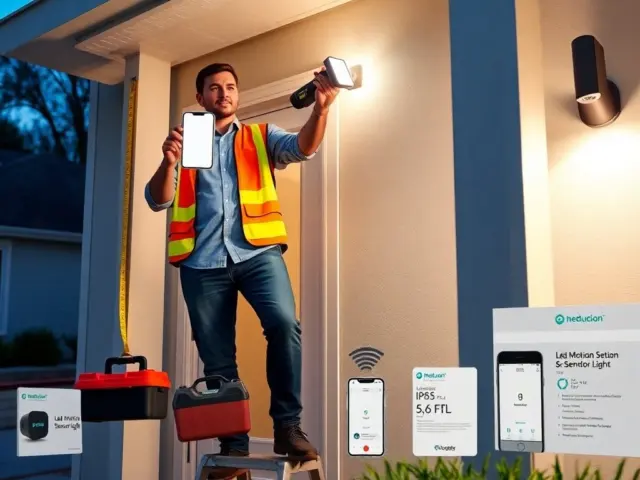
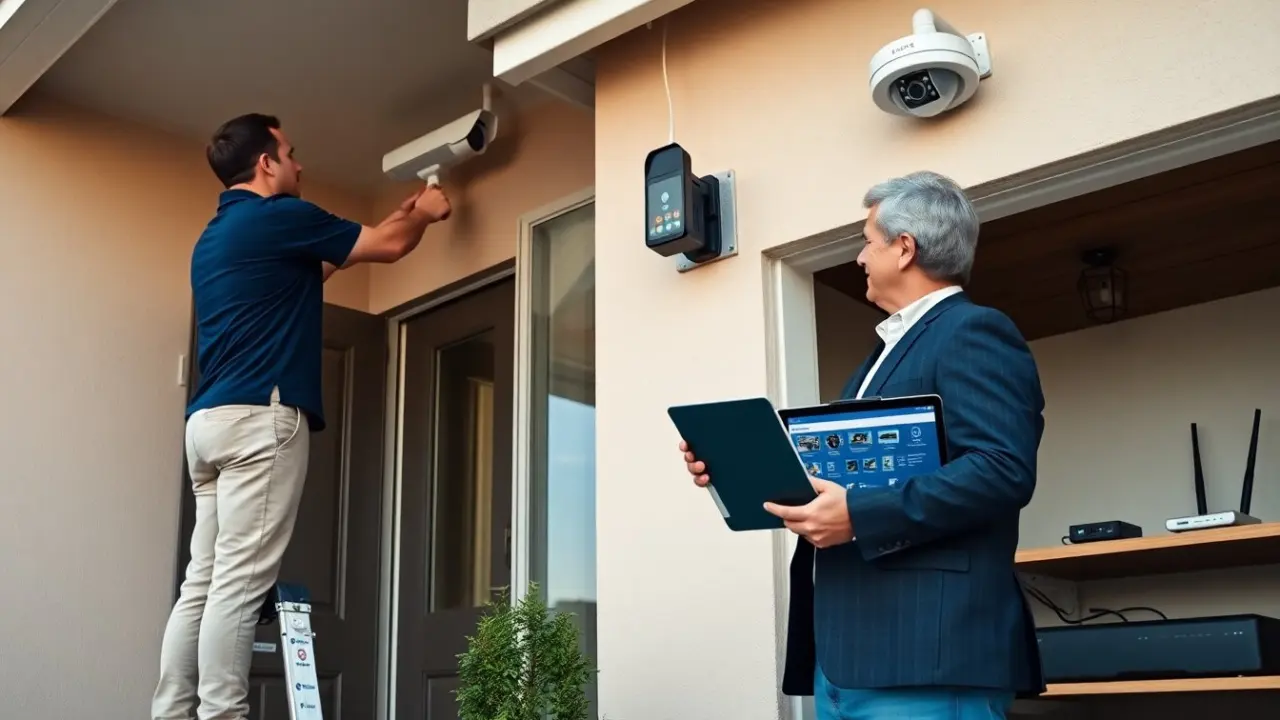
Follow these placement rules: mount outdoor cameras 8 to 10 feet high to avoid tampering: angle cameras slightly downward to reduce sun glare: keep camera lenses clean and clear of foliage. The installer should avoid pointing cameras directly at bright streetlights or reflective surfaces.
Use the right tools. The installer should use a level, drill, weatherproof connectors, and proper anchors for exterior walls. The installer should run cable through conduit for neatness and protection. The installer should label cables at both ends for easier maintenance.
Test before finalizing. The installer should power each camera, verify the live view, and record a test clip. The installer should walk sample paths to confirm motion triggers. The installer should check night-mode performance after sunset. The installer should confirm remote access and push notifications on the app.
Practical setup checklist:
- Map camera locations and goals.
- Choose power method (wired, PoE, battery).
- Install mounts and secure cameras.
- Connect to network and set passwords.
- Configure motion zones and alerts.
- Test recording, playback, and app access.
The homeowner should keep a record of serial numbers and warranty dates for each security camera system for home device.
Privacy, Network Security, And Ongoing Maintenance Best Practices
The owner should secure the home network first. The owner should use a strong router password, enable WPA3 or WPA2, and change default device credentials. The owner should create a separate guest network for cameras when the router supports it. The owner should update firmware on routers and cameras regularly.
The owner should set strong camera passwords and enable two-factor authentication when available. The owner should disable unused services like UPnP and Telnet. The owner should restrict remote access to trusted accounts and use VPN if the owner needs full network control.
For privacy, the owner should limit camera views of private neighbor spaces and indoor private areas. The owner should inform household members about camera locations and usage. The owner should use scheduled recording or geofencing to reduce constant recording when privacy matters.
Maintenance keeps the system reliable. The owner should check camera lenses monthly, clear debris, and test battery levels. The owner should review recorded clips weekly and adjust motion sensitivity to reduce false alerts. The owner should replace batteries on schedule and renew cloud subscriptions before they lapse.
If a camera or account shows unusual activity, the owner should disconnect the device, change passwords, and review logs. The owner should contact the camera maker for firmware patches and follow support guidance. The owner should archive important evidence to a separate drive or secure cloud folder.