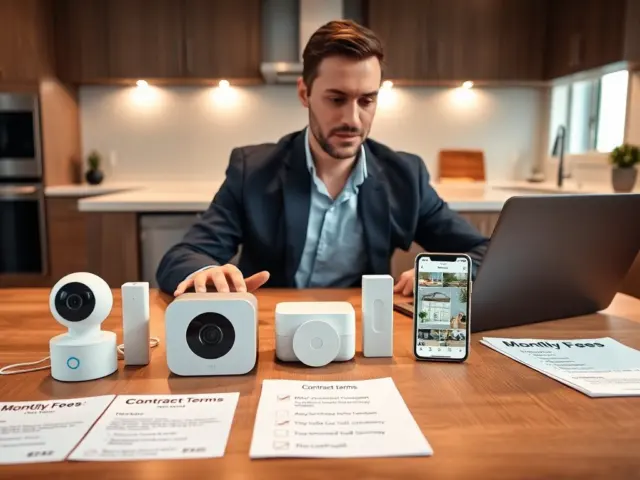
A $30 camera in a cart looks like the whole bill, but it rarely is. How much does a security camera cost? Equipment runs from $30 to $500 per camera, and the first year typically totals $200 to $800 once storage is added.
Most of the gap between those figures comes from storage, installation and add-ons, so it pays to set a budget before shopping. If the cameras will join a wider network of connected devices, our notes on how to secure smart home devices cover protecting them after they are installed.
Sticker price versus system price
The most common misunderstanding is treating one camera’s price as the price of a security system. Security.org puts camera equipment at $30 to $500, yet system size moves the total more than any single model does. Eufy’s installation cost guide notes that a small system with 1-2 cameras may cost as little as $400, while larger systems with 8-10 cameras can exceed $2,000. Security.org adds that budget-conscious buyers can build effective systems for under $300, whereas comprehensive premium setups go over $1,500.
Read those figures as bands, not targets. The practical first step is to count the doors and rooms that genuinely need coverage, then choose a tier for each location instead of buying one premium model for everything.
| What you are buying | Typical price | What the price usually buys | Planning use |
|---|---|---|---|
| Budget indoor camera | $30-$100 | 1080p HD, basic motion detection | Enough for a single room watched from inside |
| Mid-range wireless camera | $100-$200 | 2K resolution, battery-powered, night vision | Suits spots where running power is awkward |
| Premium outdoor camera | $200-$400 | Weatherproof, wide field of view, AI detection | Reserve for exposed entrances and yards |
| Video doorbell | $100-$250 | Two-way audio, package detection, doorbell alerts | Covers the front door as a separate line item |
| Wireless/Wi-Fi DIY system | $150 to $600 total | Cameras with $0 installation cost | Lowest-labor route for a small home |
| Standard 4-camera system, professionally installed | $600 to $1,500 total | Equipment plus installer labor | Benchmark when you do not want to mount cameras yourself |
Camera tier prices come from Security.org’s camera cost guide, and the system totals come from Eufy’s installation cost guide.
Outdoor locations are where the tier matters most. The premium outdoor tier pays for weatherproofing, a wide field of view and AI detection, and those features earn their cost on exposed entrances more than in a hallway. Our guide, Outdoor Security Cameras: The 2026 Buyer’s Guide To Choosing, Installing, And Securing Your Home – Cubeguard, goes into choosing and placing them.
Wireless, wired and recorder choices
A second misunderstanding is that wireless is cheaper in every respect. Eufy states that wireless cameras are generally more affordable and easier to install, while wired systems cost more because of labor. That is an installation point, not a verdict on running costs. The bigger differences show up in how the cameras connect and where footage is kept.
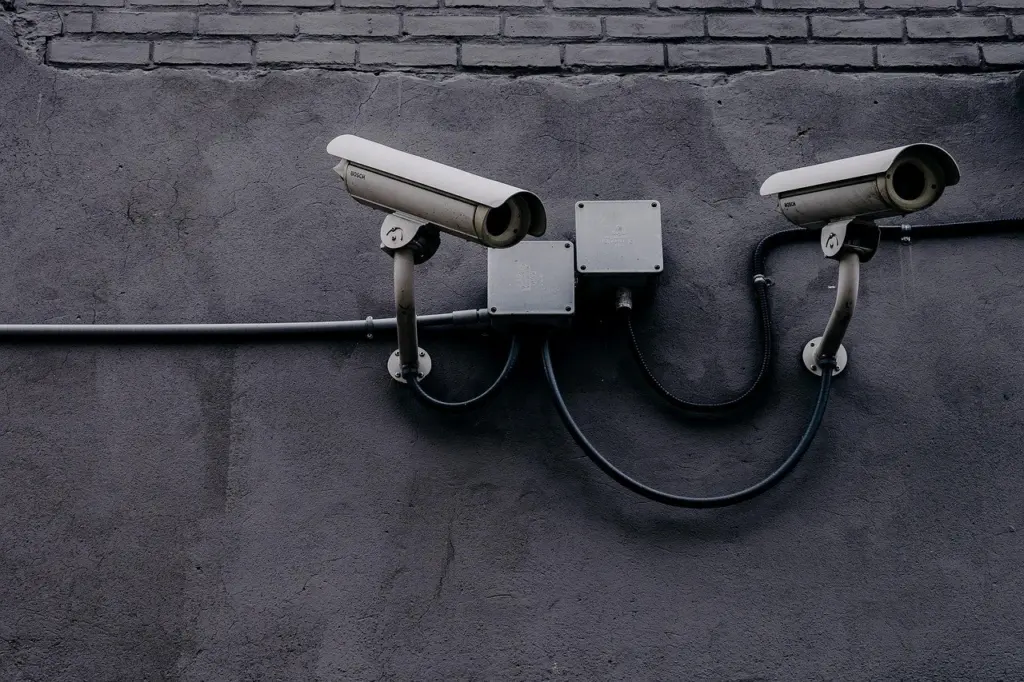
Wi-Fi cameras depend on your home network, and the cost of strengthening it is one of the extras itemised under hidden fees below. Wired cameras avoid that dependence but bring the labor premium.
Local storage is the other fork in the road. Security.org notes that local storage requires buying extra hardware, like a DVR or microSD card, and Eufy says locally stored systems avoid cloud subscription fees entirely. An NVR or DVR is the recorder that keeps footage on your own premises, so it is a purchase that replaces a recurring plan. The trade-off is that you own and manage that hardware instead of paying a brand to host footage.
DIY or professional installation
Choose DIY for wireless cameras and professional help for wired jobs or awkward mounting. Eufy says modern DIY wireless cameras can be installed with $0 in additional labor costs, which is why a wireless DIY system can stay in the $150 to $600 range.
Professional help costs real money. Eufy’s guide puts professional installation at $80 to $200 per camera, and Security.org says it can add another $100 to $200 to the equipment cost. Retail installation can be priced as a flat package: the Eufy guide lists Best Buy Geek Squad at $179.99 for Wi-Fi camera installation covering up to 4 cameras. For several Wi-Fi cameras, a flat fee like that can compare well against per-camera rates.
Professional installation is worth paying for when cables must be routed through walls or across long distances, since that is where wired systems pick up their labor premium. It is harder to justify for a few battery-powered or plug-in cameras you can mount in an afternoon. The extra charges that can surface on complicated jobs are itemised in the hidden fees section.
Subscriptions and recurring storage costs
A third misunderstanding is that the bill ends at checkout. Per Security.org, most brands charge for cloud storage at $3 to $25 per month, typically set by the brand. Eufy’s guide lists cloud subscriptions at $3-$15 per month, billed monthly or annually, so the brand you choose shapes the range you will actually face. Security.org also notes that Nest cloud storage costs a minimum of $10 per month or $100 per year.
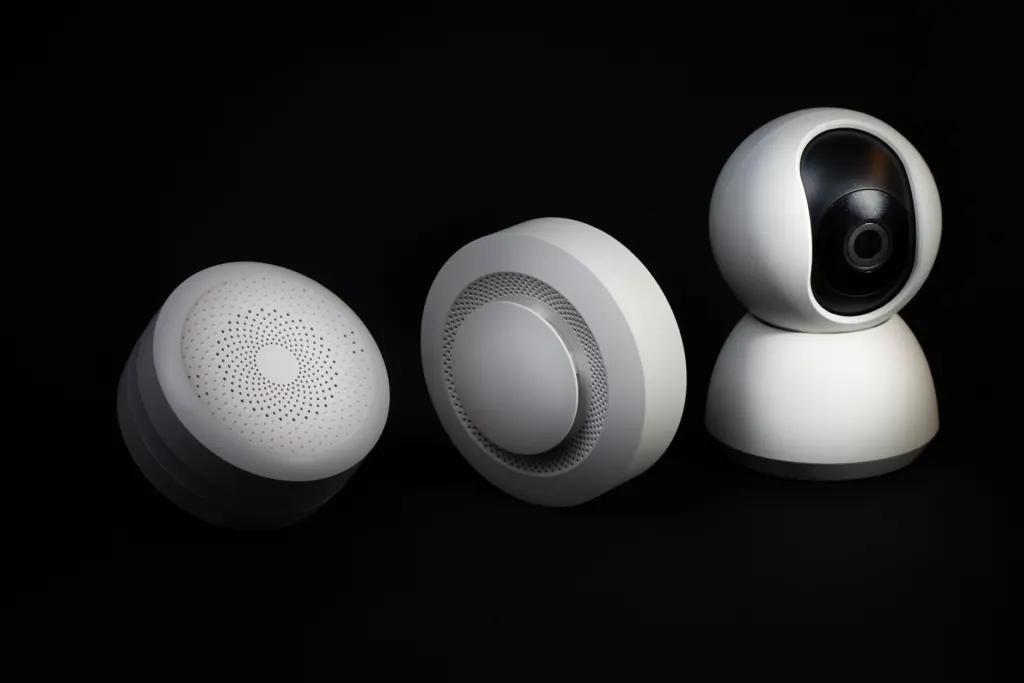
Subscription fees are the cost most likely to outgrow a cheap purchase, because they repeat every month. Locally stored footage avoids them, at the price of the recorder or card described earlier. Video doorbells are a good test of this trade-off, and our list of Best No-Subscription Video Doorbells In 2026: Secure, Private, And Low-Cost Options – Cubeguard shows how to avoid recurring plans on that product type.
Hidden fees outside the camera price
Beyond the plan, one-time extras explain much of the distance between a shelf price and a finished system. Eufy’s installation cost guide itemises several of them:
- Networking equipment: routers, switches or range extenders for Wi-Fi setups run $20-$150, which matters most when cameras sit far from the router.
- Long cable runs: wiring for long distances costs $30-$80 per camera or area, so a distant garage or side gate adds to the quote.
- Integration with existing systems: compatibility adjustments carry a $50-$300 one-time fee when new cameras must work with equipment you already own.
- Complex configurations: extra costs of $100-$200 per installation apply to difficult layouts.
Professional camera monitoring is a different matter. Security.org describes it as relatively rare and often expensive, so it should not be a default budget line. Ask any installer to list these extras in the quote before comparing prices, because they are the reason first-year totals stretch past the hardware cost.
Estimating your own total
A realistic estimate takes a few decisions in order. Work through them before opening any shopping tabs:
- List the locations. Mark each as indoor, outdoor or doorbell so each gets the right tier from the table above.
- Pick wireless or wired. Wireless keeps installation labor near zero, while wired adds labor but suits larger systems.
- Choose where footage lives. Pick a cloud plan priced per brand, or buy a recorder or microSD card and skip the recurring fee.
- Add installation and extras. Include professional labor only if you will not mount the cameras yourself, plus any network or wiring items that apply.
- Compare against the benchmarks. Security.org reports effective budget systems under $300, first-year totals typically between $200 and $800, and comprehensive premium setups above $1,500.
If your total lands far above those bands, reduce the number of cameras before downgrading quality. A few well-placed cameras at the entrances you care about usually serve better than many cheap ones scattered through the home.
Frequently asked questions
| Question | Answer |
|---|---|
| Does any brand include storage without a monthly fee? | Yes. Security.org notes that Wyze includes both free cloud storage and a local storage option. |
| Is professional monitoring worth budgeting for? | For most camera buyers it is not a standard cost. Security.org describes professional monitoring for security cameras as relatively rare and often expensive. |
| Can a camera brand arrange installation for me? | Some can. Arlo’s camera page offers installation from certified HelloTech experts, though the price is not listed there, so request a quote first. |