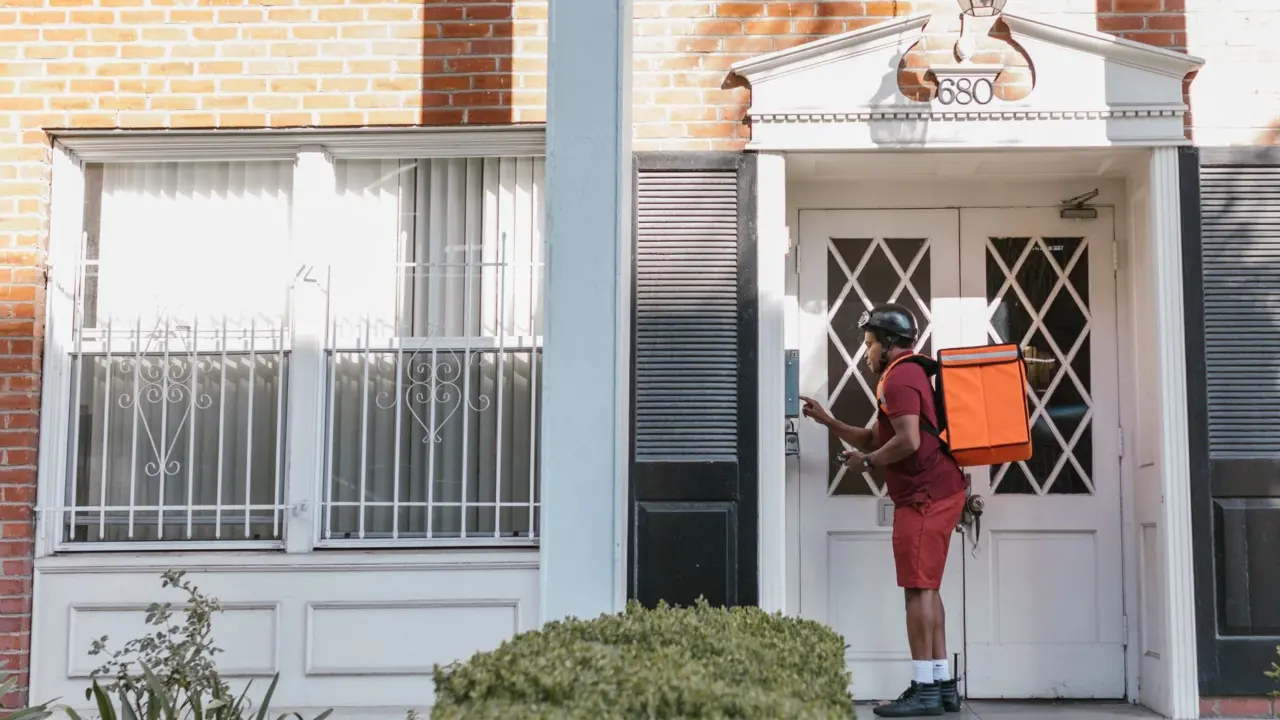
A no subscription video doorbell records to storage you own, such as built-in memory, a microSD card or a home hub, so many models can keep saved clips without a monthly fee. Storage location varies by model, so check it before buying.
Storage is only one part of a secure setup. Wider habits for how to secure smart home devices apply to doorbells too, and the choices below are judged on who controls the footage and what it costs to keep.
How footage travels from the doorbell to storage
A doorbell without a subscription follows the same sequence as any other video doorbell. The difference is the final stop, which is memory you own rather than a vendor’s paid cloud archive.
- Trigger. Most eufy doorbells record on motion detection or other event triggers rather than continuously, according to eufy’s doorbell page. A button press is one trigger; motion in the camera’s view is another.
- Capture. The camera saves a clip of the event. Because it is not recording all day, the storage fills slowly.
- Storage. The clip lands in built-in memory, on a card in the doorbell, in a hub, or on a console, depending on the model.
- Access. You watch live view, alerts and playback through the app. eufy states that its doorbells keep live view, alerts and playback on local storage with no monthly fee.
Wi-Fi still matters at stage four. Most video doorbells need Wi-Fi to transmit live video, send notifications, and store or upload recordings, so the home router is part of the system even when the footage itself never leaves the house.
Where the footage is stored
The most useful question to ask of any listing is where the clip physically sits. Storage may be inside the doorbell, on a card, in a hub or on a required console, according to the Smart Home Workflow doorbell guide. Each route changes what you pay for, what you must maintain and what happens if the doorbell is damaged or stolen.
Models and storage routes compared
| Model or route | Where footage lives | Power | Listed price | Planning use |
|---|---|---|---|---|
| eufy Video Doorbell E340 | 8 GB built-in, with an optional HomeBase route | Battery powered | $119.98 | Suits renters or anyone without doorbell wiring |
| eufy Video Doorbell S330 | Local storage, no monthly fee | Wired | Listed on eufy’s US page | A wired alternative to the battery-powered E340 |
| eufy Video Doorbell S4 with Chime 2 | An early pre-order record lists 4 GB built-in | Runs on existing doorbell wiring | $299.99 | Only worth the premium if you want the newer wired model |
| Tapo D225 | microSD card bought separately, up to 512 GB | Check listing | Check listing | Capacity is your choice, so card cost is a separate line item |
| Lorex 2K | microSD, 32 GB card included | Wired | Check listing | Works out of the box if you have wiring |
| Reolink Video Doorbell | microSD or network-recorder storage | Check listing | Check listing | The network recorder suits a home already running one |
Prices are those listed on eufy’s US store page and include discounts shown at the time, while storage details come from the Smart Home Workflow guide.
Built-in memory, cards and hubs
Built-in memory is the simplest route because nothing needs buying or swapping. The trade-off is a fixed capacity: a doorbell with 4 GB or 8 GB holds fewer events than one that accepts a card. A microSD slot, as on the Tapo D225, lets you pick a larger card, but the card is an extra purchase unless it is included, as with the Lorex 2K. A hub or network recorder adds a second device to the setup, which pays off if you plan to add more cameras later.
Doorbells that look free but are not
Several well-known doorbells are not subscription-free in the way the name suggests. The same guide describes the limits:
- Ring. Clips need a plan on the current 4K Pro and the retired 2nd-generation models, and there is no card fallback. Without the plan you get live features only.
- Google Nest. Without Google Home Premium, you get ten-second previews kept for six hours. That is a notification aid, not an archive.
- Blink. Free live view is capped at five minutes.
- Arlo 2nd generation. Cloud-only storage means no retained recordings on that route.
- UniFi. There is no subscription or licensing fee for the documented system, but a UniFi console running Protect and suitable storage are required. The console is a real upfront cost.
- Aqara with HomeKit Secure Video. This requires a qualifying Apple setup and an iCloud+ plan. It is a paid Apple route, separate from the free local recording the doorbell itself offers.
If your goal is footage you keep without recurring charges, rule out cloud-only models first. UniFi and Aqara can still suit you if you already own the console or the Apple setup.
Is local storage secure?
Local storage gives you control, not automatic safety. Keeping clips on your own hardware removes a vendor’s cloud archive from the picture, but the footage is only as safe as the doorbell, card or console holding it.
On-site storage has a physical limit
A doorbell card and an in-home console are both on-site, and neither is off-site storage. If the doorbell is removed or the home suffers damage, the footage can go with it. Treat any clip you may need later, such as evidence of a break-in attempt, as something to export and keep elsewhere.
A local file is not remote access
A local recording does not establish local account access, notifications or remote viewing. Whether you can reach your clips from outside the house depends on the app and the internet connection, not on where the file sits. That is why account security, covered in the broader guide to securing smart home devices, still matters for a doorbell with local storage.
What happens when Wi-Fi fails
Some eufy local-storage cameras can keep recording events to an onboard SD card or internal memory during outages, based on eufy’s own guidance. Live remote viewing and instant alerts are unavailable until the Wi-Fi connection returns. If your router is unreliable, a model with onboard storage can keep the evidence even while it cannot send you an alert. For setups that must keep working with little or no connection, read about security cameras that work without wifi.
Long-term cost and data control
Judged over years of ownership, the absence of a monthly fee shifts cost to the purchase price and to storage you supply. eufy lists both the battery-powered E340 and the wired S330 on its US page, and local storage on its doorbells carries no monthly fee. A card-based model adds the price of a card unless one is included.
Data control follows the same logic. With local storage the clips stay in your home unless you choose otherwise, and eufy notes that cloud services are an option you can opt into for additional storage. That makes the cloud a deliberate upgrade rather than the only way to keep footage. For a broader view of purchase prices and recurring charges across camera types, see How Much Does a Security Camera Cost in 2026? Real Prices, Hidden Fees, and Budget Tips – Cubeguard.
Choosing the right doorbell
- No doorbell wiring at home. A battery model such as the eufy E340 avoids any electrical work, and its built-in memory means no card to buy.
- Wiring in place and a desire for more storage. A wired model with a card slot, such as the Tapo D225 or Lorex 2K, gives you control over capacity.
- Existing network recorder or console. Reolink’s network-recorder route or a UniFi system fits a home that already runs the supporting hardware.
- Footage you may need later. Pick a model with removable or expandable storage and plan to export important clips, since built-in memory is fixed.
Frequently asked questions
Can a no-subscription doorbell record continuously?
Only on some wired setups. Continuous recording and its local video stream require hardwired power and the specified always-on setup, so battery installs are not suitable. Most eufy doorbells record on motion or event triggers instead.
Can I add cloud storage to a local-storage doorbell later?
On eufy doorbells, yes. The company says you can opt into cloud services for additional storage, while the base local-storage features stay free of monthly fees.
Why does the eufy E340 have two cameras?
It has one front-facing and one downward-facing camera to reduce blind spots, and it provides 2K doorstep coverage, according to eufy.