An indoor security camera is a practical tool for monitoring rooms, deterring theft, and checking on family or pets from a phone or computer. Choosing the right device requires balancing cost, video quality, storage, privacy, and ease of use. This guide expands on clear use cases and realistic benefits, steps for choosing a model that fits your home and budget, and straightforward installation and privacy practices you can follow today. Read through the scenarios, comparison points, and checklists to leave ready to pick and deploy an indoor security camera with confidence.
Key Takeaways
- An indoor security camera provides 24/7 home monitoring to deter theft and check on family members remotely via phone or app.
- When choosing an indoor security camera, prioritize video quality, field of view, and compatibility with smart home systems to match your specific needs and budget.
- Be aware of extra costs like cloud storage subscriptions, and factor these into the total price when selecting an indoor security camera.
- Install cameras in common areas, avoid private spaces without consent, and follow privacy laws to respect household members and guests.
- Enhance security by using strong passwords, enabling two-factor authentication, regularly updating firmware, and segmenting network access for your indoor security camera.
- Notify household members and guests about camera presence and manage recorded footage responsibly to maintain trust and privacy.
Why Indoor Security Cameras Matter — Use Cases, Benefits, And Limitations
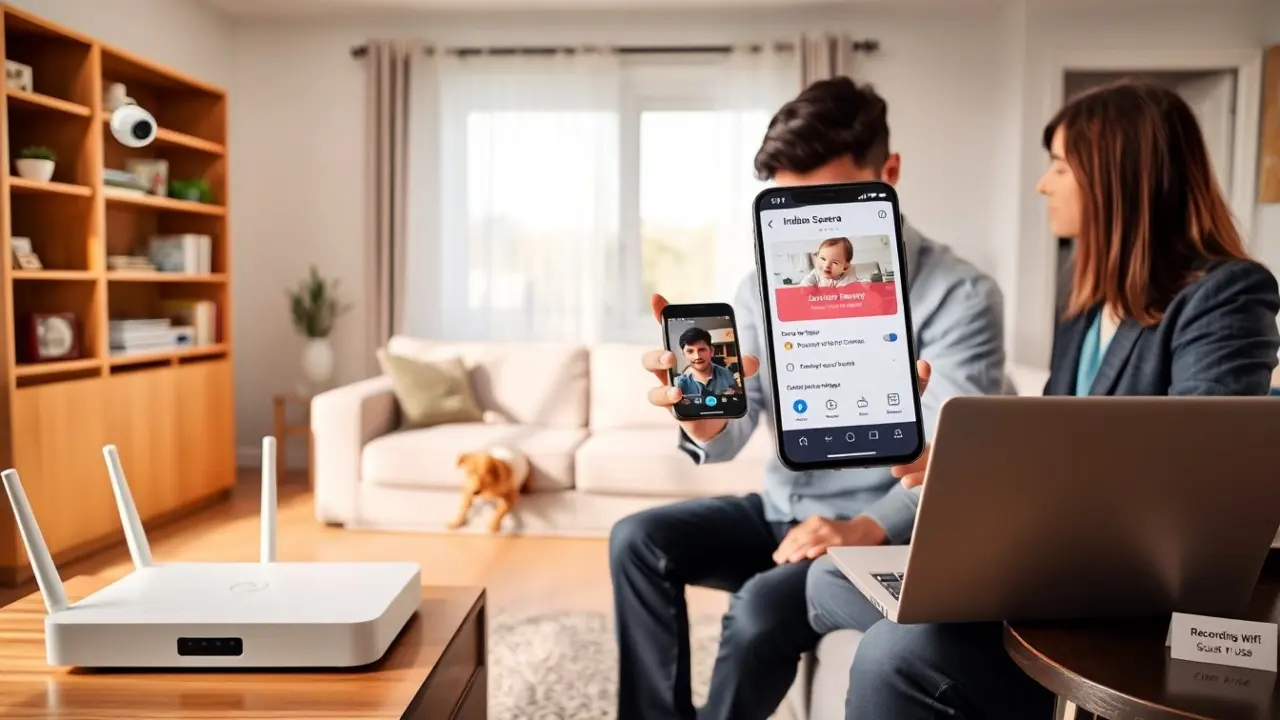
Homeowners and renters use an indoor security camera for a variety of everyday needs: checking a sleeping baby or napping child, seeing how a pet behaves while away, keeping an eye on an elderly relative who may need help, and monitoring main living areas or entryways for unexpected activity. Small business owners place indoor cameras in reception areas, stock rooms, and behind counters to deter internal theft and document incidents. The constant benefit is remote visibility — live view and recorded clips accessible from a phone, tablet, or web portal — and the ability to receive motion or sound alerts that flag activity as it happens.
Beyond simple monitoring, indoor cameras often include smart features that increase usefulness: two-way audio to speak through a camera, activity zones to reduce false alarms, person detection to filter alerts, night vision for low-light recording, pan/tilt functionality for wider coverage, and integration with door sensors or smart locks for coordinated automation. These features can make an indoor security camera act as part of a broader home-security or smart-home setup rather than a single stand-alone device.
There are practical limitations, however. Cameras do not physically prevent break-ins, and a visibly placed camera can be disabled or covered by an intruder. Lower-end models may produce low-resolution or noisy footage that is less useful for identification, particularly at distance or in low light. Many inexpensive cameras will offer only basic short-term cloud storage unless you pay for a subscription; others rely on local microSD cards with no off-site backup. Privacy is also a significant concern: cameras placed in or aimed toward private areas can capture intimate moments or sensitive information. Laws and expectations about consent and recording vary by jurisdiction, so check local rules and be transparent with household members and guests.
Used responsibly, an indoor security camera is a useful layer in a layered security approach: complementary to good locks, alarm systems, and safe habits. It provides evidence and awareness that can deter casual wrongdoing and reduce worry, but it should be chosen and operated with realistic expectations about what it does and does not protect against.
How To Choose The Right Indoor Camera For Your Home And Budget
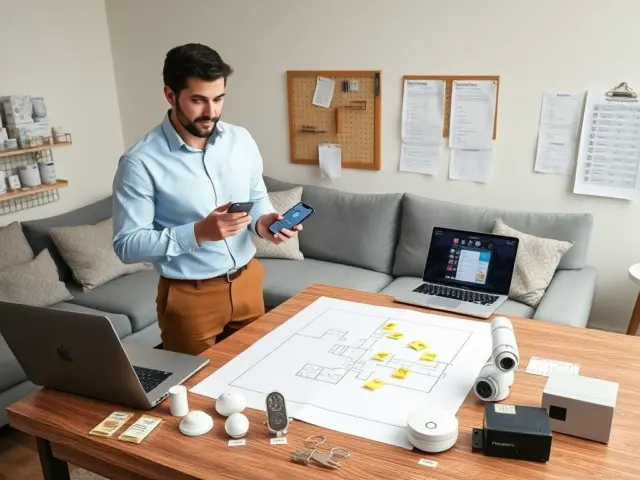
Start by listing your primary use cases: live check-ins on kids or pets, remote monitoring while traveling, package theft prevention at an interior doorway, or business surveillance. For identity-grade footage that may be used by police or insurers, pick a camera with at least 1080p resolution (higher if you need clear facial detail at distance) and good low-light performance. For coverage of a large room or open-plan space, choose a camera with a wide field of view or a pan/tilt model that can be remotely steered. If discreet monitoring is a priority, look for smaller form factors or models designed to blend into decor, while remaining mindful of legal and ethical considerations.
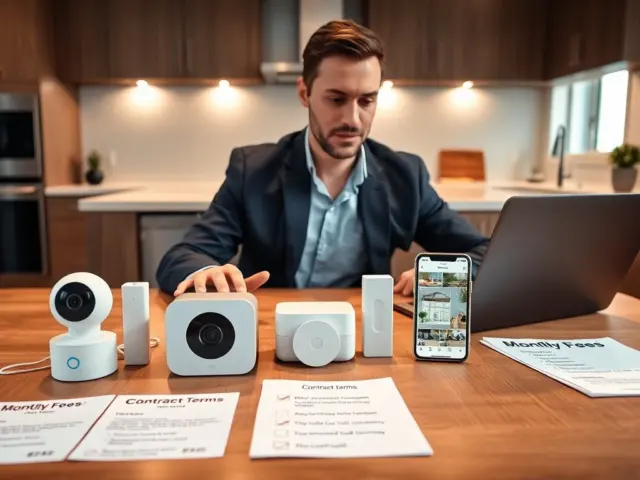
Compare features against your budget: two-way audio, motion zones, person/vehicle detection, and integration with Amazon Alexa, Google Assistant, or Apple HomeKit can increase cost but improve convenience. Also compare storage options: many vendors provide limited free cloud clips but require a paid subscription for extended retention, advanced event detection, or multi-camera plans. If you prefer no subscriptions, look for cameras with reliable local storage options (microSD or a local NAS integration) or open standards that enable self-hosted recording. Consider power and connectivity: plug-in cameras are typically more reliable than battery-only models but need an outlet; battery cameras allow flexible placement at the cost of periodic recharging or battery replacement.
Other practical checks before buying: confirm the camera’s Wi‑Fi band support (2.4 GHz vs 5 GHz), read current user reviews about reliability and manufacturer update cadence, and verify warranty and support options. If you already have a smart home ecosystem, prioritize compatibility to avoid extra setup steps and to enable automations (for example, turning on lights when motion is detected). Finally, think about the long-term total cost: initial price plus subscription fees, replacement hardware cycles, and any accessories like mounts or power extenders.
Simple Installation, Setup, And Privacy Best Practices For Indoor Cameras
Plan placement before permanent installation. Walk the room with the indoor security camera powered on and use live view to test angles, coverage, and blind spots. Good locations include high corners that cover main entry points, shelves overlooking living areas, or the top of a bookcase. Avoid pointing cameras directly at private areas such as bathrooms and bedrooms unless everyone who uses the space has given informed consent. Consider mounting height to prevent easy tampering while keeping the field of view useful for identification. Test night vision and backlighting conditions so faces and important details remain visible round-the-clock.
Follow a secure setup routine: create a unique, strong password for the camera account rather than reusing credentials; enable two-factor authentication if the vendor supports it; and update the camera’s firmware during first-time setup to close known vulnerabilities. If the device supports account-sharing, use the camera’s built-in access controls to grant view-only permissions to family members or caregivers rather than sharing the primary account password. For cameras with local storage, encrypt the storage where possible and set a PIN on the device. For cloud-based systems, review the vendor’s data handling and retention policy and choose retention settings you are comfortable with.
Limit network exposure by placing cameras on a separate VLAN, guest Wi‑Fi, or a specialist IoT subnet if your router supports segmentation. This prevents a compromised camera from providing attackers a direct path to sensitive devices such as computers or NAS drives. Disable unused remote-access features (UPnP, open ports) unless you need them, and prefer manufacturer-backed encrypted access channels over exposing local feeds to the internet. If you use voice assistants or third-party automations, audit the permissions those integrations receive and remove integrations you do not actively use.
Manage alerts to reduce fatigue: adjust motion sensitivity and create activity zones that ignore areas with predictable movement (curtains near windows, indoor plants, or busy hallways). Set quiet hours or schedules to pause notifications during regular times when the camera would otherwise produce many false positives. Maintain a simple maintenance routine: check for firmware updates monthly, clean the lens occasionally, and verify recordings or cloud syncs after events you want to keep.
Finally, communicate camera use clearly. Place a simple notice or tell visitors and household members where cameras are placed and why — transparency builds trust and reduces misunderstandings. Establish a retention policy for recorded footage: delete old clips you no longer need and periodically purge cloud storage according to your comfort and legal requirements. Keep an incident log for noteworthy events (time, description, clips stored) to simplify sharing with police or insurers if necessary. By combining sensible placement, robust account and network security, and transparent privacy practices, an indoor security camera can provide both safety and peace of mind without compromising the privacy of those who live or visit there.