The best smart lock for front door buyers balances safety, ease, and price. This expanded guide outlines practical decision steps, highlights six strong feature sets, and gives actionable tips for installation, compatibility checks, and long‑term maintenance. It helps readers match features to their home, whether a single‑family house, apartment, or rental unit. The language is direct; the advice stays practical and focused so you can identify the best smart lock for front door needs without wading through marketing claims.
Key Takeaways
- The best smart lock for front door buyers balances security, ease of use, and price to fit their daily habits and technical comfort.
- Prioritize smart locks with strong encryption, physical key backup, and reliable battery life for enhanced security and convenience.
- Consider connectivity options like Wi‑Fi for remote control and Bluetooth for local unlocking; add a bridge if you need cloud features.
- Installation is typically straightforward, often requiring only common tools and 20 to 45 minutes, but measure clearance, bolt type, and door thickness before you buy.
- For rentals or multiuser needs, smart locks with code management, temporary access, and audit logs provide controlled and trackable entry; check admin roles and user limits.
- Budget smart locks offer core features such as keypad entry and Bluetooth pairing, delivering solid function under $150 when you accept fewer integrations.
How To Decide If A Smart Lock Is Right For Your Front Door
Deciding starts with a clear list of how you use your front door and what you want a smart lock to solve. Walk through these steps before shopping:
- Access patterns: Who needs entry (family, roommates, cleaners, contractors) and how often? If multiple people or frequent short‑term guests need access, prioritize code management and logs.
- Remote control needs: Do you need to lock/unlock from anywhere, or is local Bluetooth control sufficient? Remote access usually requires Wi‑Fi or a bridge to a cloud service.
- Smart home integration: Which ecosystems matter—Apple HomeKit, Google Assistant, Amazon Alexa, or local hubs like Z‑Wave/Zigbee? Confirm compatibility before purchase.
- Door and deadbolt type: Check whether your door uses a single‑cylinder deadbolt, double cylinder, or mortise lock; some smart locks only replace one style.
- Security vs. convenience tradeoffs: Decide whether features like auto‑unlock, guest codes, or geofencing are worth the potential extra attack surface if not implemented securely.
- Landlord rules and lease terms: Renters should confirm permission to modify locks and whether the landlord requires a particular key backup or notice.
Answering these questions will narrow options so you can compare the best smart lock for front door choices that match your priorities.
Best Overall Smart Lock For Most Homes
The best overall option balances robust security, broad compatibility, and a smooth user experience. Key characteristics to look for:
- Multiple connectivity options: integrated Wi‑Fi or Bluetooth plus an optional bridge so you can control the lock locally and remotely.
- Strong encryption and secure account controls: look for encrypted communications, two‑factor account protection in the app, and regular firmware updates.
- Versatile access methods: keypad codes, smartphone unlocking, physical key backup, and voice assistant support for hands‑free control.
- Useful automation: auto‑lock and auto‑unlock with configurable delays, activity notifications, and simple scenes with other smart devices (lights, cameras).
- Reliability and support: a well‑designed app with clear status indicators and prompt customer support for setup and troubleshooting.
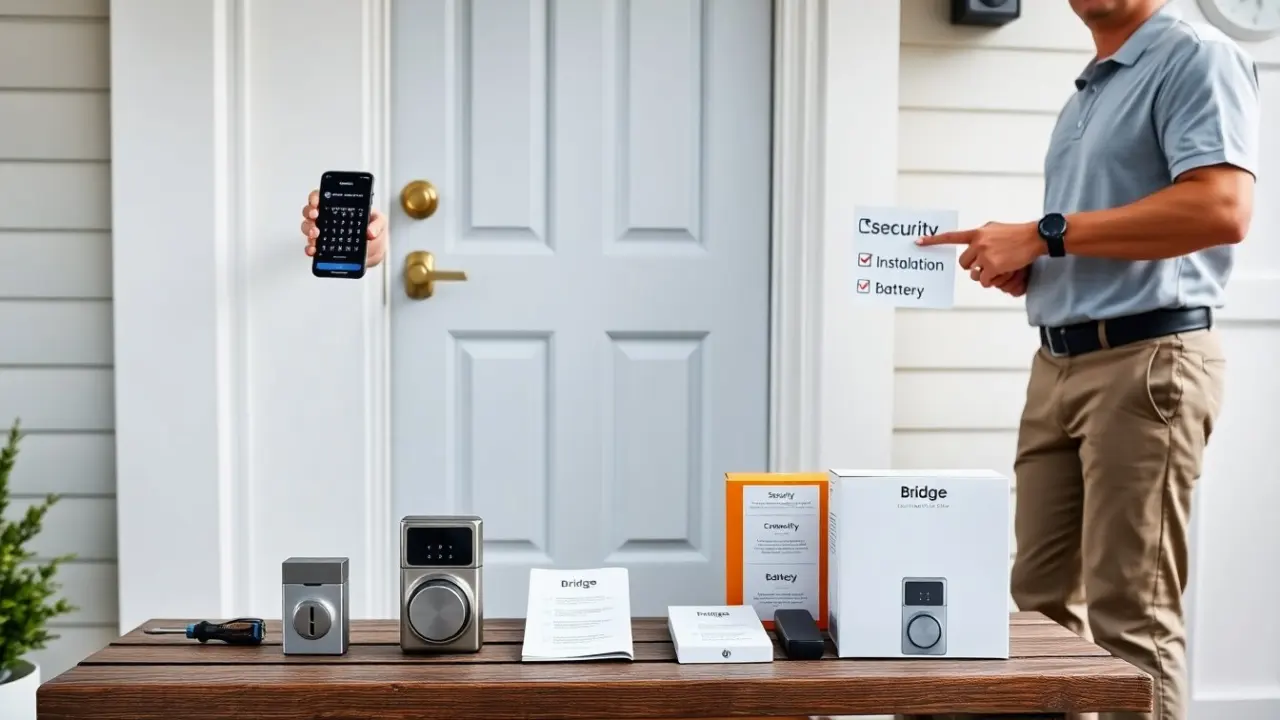
Installation is usually doable by one person with a screwdriver; typical steps include removing the interior thumbturn, fitting the mounting plate, and attaching the smart lock module. Ensure the lock aligns with your strike plate and that the deadbolt fully retracts and extends without binding. The best smart lock for front door will report battery status in the app, provide tamper alerts, and offer clear documentation that helps reduce setup friction.
Best Budget Smart Lock (Great Value Under $150)
Budget smart locks can deliver the core conveniences—keypad codes, Bluetooth pairing, and simple app management—while avoiding premium integrations that raise cost. When evaluating a budget model, check these details to ensure it still meets your needs:
- Compatibility: confirms fit for single‑cylinder deadbolts and door thickness ranges common in your home.
- Power and alerts: replaceable batteries with reliable low‑battery alerts and a clear method for emergency power (USB port or external terminals) if the batteries die.
- Basic remote access path: some budget locks support remote control through a sold‑separately bridge—decide whether that added expense still keeps you under your total budget target.
- Security basics: keypad lockout for repeated wrong attempts, and the presence of a physical key option for failover.
Limitations to accept with budget models often include fewer advanced integrations (no native HomeKit, limited voice control), less polished apps, and fewer administrative tools. For many users who mainly want keypad entry and occasional phone unlocking, a well‑chosen budget lock is the best smart lock for front door on a limited budget.
Best Smart Lock For Rentals And Multiuser Access
For rentals, property managers, and homes with many regular users, prioritize robust user and access management features. Important capabilities include:
- Code lifecycle management: create, edit, and expire access codes on a schedule so cleaners, short‑term guests, or contractors only have access when needed.
- Audit logs and notifications: a clear activity history and configurable alerts let managers track who entered and when.
- Multi‑admin roles: support for different permission levels (owners, managers, guests) to delegate control without sharing primary credentials.
- Scalability and onboarding: simple workflows for adding new users, plus clear guidance for guests to use temporary codes or appless PIN entry.
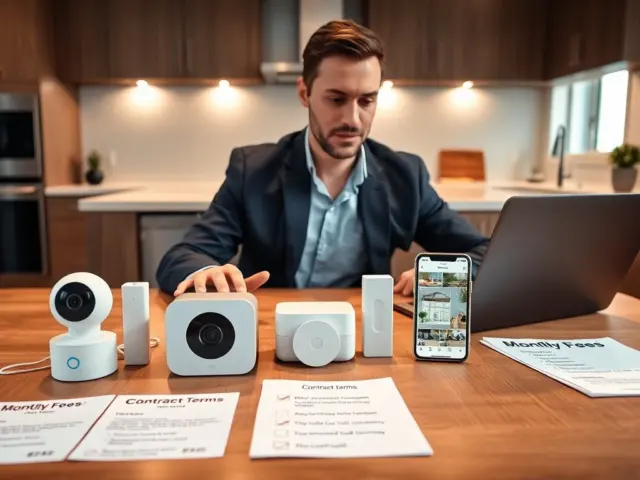
Operational best practices for managers: keep a master list of active codes, rotate codes periodically, and set up notification thresholds for unusual activity. Also verify whether the system requires a cloud subscription for advanced features and factor that recurring cost into total ownership. When these capabilities align with your processes, the lock becomes the best smart lock for front door in rental and multiuser contexts.
Key Factors To Compare: Connectivity, Security, Installation, And Battery Life
When comparing models, use this checklist to evaluate how each lock performs in four core areas:
Connectivity
Decide whether local Bluetooth, Wi‑Fi, or mesh options (Z‑Wave, Zigbee) match your smart home setup. Bluetooth is more private and battery‑efficient; Wi‑Fi enables true remote control without extra hardware. Mesh protocols integrate well with home automation hubs but usually require a compatible hub.
Security
Look beyond marketing: check for end‑to‑end encryption, secure firmware update mechanisms, anti‑tamper features, and a physical key backup. Prefer devices with documented security practices, a track record of updates, and clear privacy policies about data handling.
Installation
Measure your door and deadbolt type, then confirm fit. Typical installation steps include removing the interior thumbturn, mounting the adapter plate, and configuring the lock via the app. If your door has an odd bore or a double‑cylinder deadbolt, plan for professional help. Allow 20–45 minutes for a standard install, longer if you need to adjust the strike plate or drill new holes.
Battery life and maintenance
Expect battery life anywhere from several months to over a year depending on use and connectivity. Wi‑Fi‑connected locks can drain batteries faster than Bluetooth‑only models. Check for features such as low‑battery alerts, emergency external power input, and straightforward battery replacement procedures. Keep a small supply of recommended batteries on hand and test the lock’s mechanical operation periodically in case electronic failure occurs.
Additional considerations: check app quality and update cadence, whether the manufacturer offers firmware security patches, and if the device supports offline operation in case of internet outages. By systematically scoring connectivity, security, installation complexity, and battery expectations, you can identify the best smart lock for front door that matches your real‑world needs and budget.