Two factor authentication examples help people protect accounts beyond a password. The article defines common methods and shows when each method fits. It lists practical examples users can adopt today. The text uses plain language and short sentences. The reader learns which options people should choose for email, banking, and social accounts. It also explains setup and recovery steps, compares trade-offs, and highlights common pitfalls to avoid when choosing a second factor.
Key Takeaways
- Two factor authentication examples enhance security by requiring a second proof beyond a password, significantly reducing account takeover risks.
- Time-based one-time passwords (TOTP) apps like Google Authenticator provide a strong balance of convenience and security for many users.
- SMS-based 2FA is easy to set up but vulnerable to SIM swaps, so users with high-value accounts should avoid relying solely on SMS.
- Hardware security keys such as YubiKey offer robust phishing-resistant protection and are ideal for securing sensitive accounts.
- Authenticator apps and push-based 2FA methods improve login speed and security by generating codes or sending approval requests directly to your device.
- Biometric second factors like fingerprint or Face ID are user-friendly but should be combined with additional verification methods for higher assurance.
What Two-Factor Authentication (2FA) Is And Why It Matters
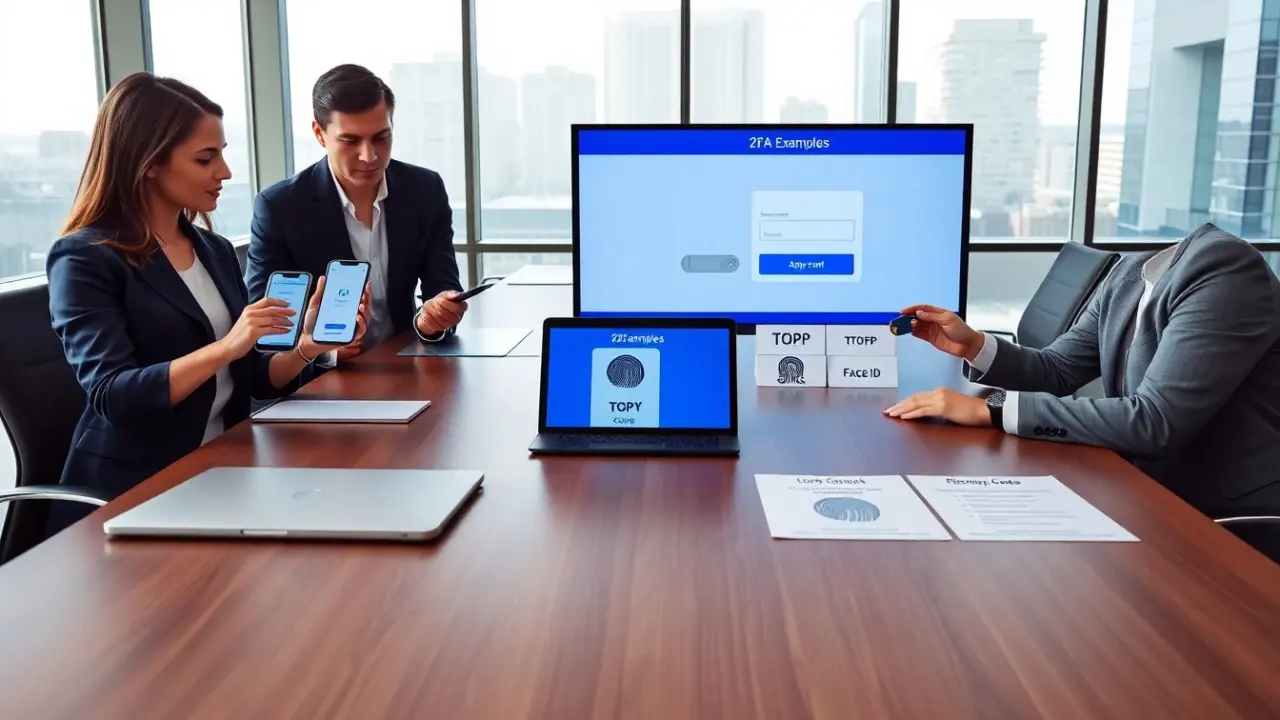
Two factor authentication examples show a second proof besides a password. It requires two separate factors to allow access. The first factor often is a password. The second factor can be a code, a device, or a biometric. The system reduces account takeover risk. Attackers need both factors to succeed. Organizations use 2FA to protect sensitive data. Users lower fraud risk when they enable two factor authentication examples on key accounts. The concept stays simple: more than one proof improves security in a clear, measurable way.
Beyond that basic definition, it helps to think about three practical goals when choosing a second factor: availability (how easily you can access the factor), resilience (how hard it is for an attacker to forge or steal it), and recoverability (how you regain access if the factor is lost). Different two factor authentication examples trade off these goals. For routine accounts, convenience and ease of recovery may be most important; for high-value accounts, resistance to phishing and theft should dominate the choice. Understanding these trade-offs helps users select the right methods for email, online banking, social media, cloud storage, and enterprise services.
Something You Know: Passwords Plus One-Time Codes (TOTP)
Two factor authentication examples include time-based one-time passwords (TOTP). An app generates short codes every 30 seconds. The user enters the code after the password. Common apps include Google Authenticator and Authy. Services like Gmail and Dropbox support TOTP codes. TOTP works offline and resists replay attacks. The user must keep the seed or backup codes safe. Developers use standard protocols to verify codes. For many users, TOTP strikes a good balance of security and convenience. They can enable TOTP in account settings within minutes.
Practical tips for using TOTP: scan the service’s QR code with your authenticator app during setup, save printed or exported recovery codes to an offline safe place, and consider a secondary device or encrypted cloud backup for cases when your phone is lost or replaced. When moving between phones, import or transfer accounts using the app’s migration feature rather than re-registering each service from scratch. For administrators, encourage users to register multiple recovery options and document the account recovery steps to avoid lockout while maintaining security.
How SMS-Based 2FA Works And When To Avoid It
Two factor authentication examples often list SMS codes. The service sends a numeric code via text to the user’s phone. The user types the code to complete login. SMS works for quick setup and wide compatibility. Attackers can intercept SMS via SIM swap or network attacks. Users who handle high-value accounts should avoid SMS as a sole second factor. Organizations also warn about social engineering that targets phone carriers. For moderate-risk accounts, SMS still provides extra protection compared with passwords alone.
If you use SMS-based 2FA, take steps to reduce risk: set a carrier PIN or passphrase with your mobile provider, enable alerts for SIM changes if your carrier offers them, and register backup authentication methods such as an authenticator app or hardware key. Do not rely on SMS for accounts that protect financial assets or critical business systems. When evaluating two factor authentication examples, treat SMS as better than nothing but inferior to app-based TOTP, push notifications with device binding, or hardware tokens in terms of resistance to targeted attacks.
Hardware Security Keys: YubiKey, FIDO2 And Physical Token Examples
Two factor authentication examples include physical security keys. A user plugs a USB key or taps an NFC device to prove identity. YubiKey follows the FIDO2 and U2F standards. The key stores a private credential that the service verifies. Attackers cannot phish the credential with a fake site. Hardware keys work for desktops and mobile devices that support USB-C or NFC. Companies use keys for employee logins and for high-value consumer accounts. Users should register a backup key and keep one in a secure place.
Hardware keys are particularly useful when phishing or account takeover is a major concern because they cryptographically verify the site and session. When selecting a key, confirm compatibility with the accounts you plan to protect (desktop browser support, mobile OS support, and presence of USB, Lightning, or NFC). Plan for loss by registering at least one backup key, and store it separately from your primary key. For organizations, integrating FIDO2 reduces dependence on shared secrets and simplifies compliance with strong-authentication policies.
Authenticator Apps: Google Authenticator, Authy, And Best Practices
Two factor authentication examples often recommend authenticator apps. The apps generate time-based codes and store account seeds. Authy offers encrypted cloud backup. Google Authenticator keeps data local on the device. Users should enable app lock and backup options where possible. They should record recovery codes and store them offline. The service should show clear setup steps and require account verification. Developers should support standardized QR provisioning to simplify setup. For most users, an authenticator app provides strong, cost-free protection.
Best practices when using authenticator apps: enable a screen lock or app PIN for the authenticator so an attacker with physical access can’t read codes; export or backup your keys before upgrading or changing phones; prefer apps that provide secure encrypted backups if you want easier recovery; and keep recovery codes in a separate, secure location (not just in email). When recommending two factor authentication examples to less technical users, provide step-by-step setup screenshots and clear instructions for recovery to reduce lockout incidents.
Push-Based 2FA: Approve Or Deny Login Attempts From Your Phone
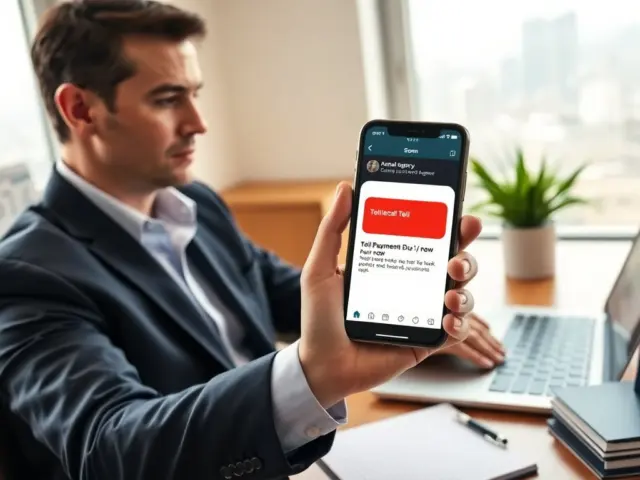
Two factor authentication examples include push notifications. The service sends a login approval request to the user’s mobile app. The user reviews the request and taps approve or deny. Push reduces typing and speeds login. The app shows device and location details for each request. Attackers can prompt many requests to trick the user, so users should inspect requests before approving. Services pair push with device PIN or biometric to prevent accidental approval. Push works well for users who want quick and clear second-factor prompts.
To use push-based 2FA safely, enable biometric or PIN confirmation inside the authenticator app so a thief who briefly accesses your unlocked phone cannot simply approve requests. Review the device and location information shown in the prompt, and consider setting limits on the number of pending approvals a service will accept. Push is a good fit for regular interactive logins where speed matters; combine it with stronger tokens for rare but high-risk operations like changing recovery contacts or performing large financial transactions.
Biometric Second Factors: Fingerprint, Face ID, And Their Limitations
Two factor authentication examples include biometrics as a second factor. The user presents a fingerprint or face scan to unlock a device. The device then signs a login assertion for the service. Biometric checks are fast and user-friendly. Biometric data usually never leaves the device. Attackers can bypass weak sensors or use spoofing in some cases. Devices vary in sensor quality and anti-spoofing features. Users should combine biometrics with device PIN or a hardware key for higher assurance. Services should document biometric fallback and recovery options.
When relying on biometrics, consider where the biometric is stored (local secure enclave is preferable) and whether a non-biometric fallback exists (PIN, password, hardware key). For high-assurance requirements, use biometrics only as part of a multi-factor stack rather than the sole second factor. Educate users about the limits of biometrics: they are convenient and strong against casual attackers, but they are not a universal replacement for cryptographic keys or well-managed authenticator apps in threat scenarios involving targeted attackers or litigation where biometric evidence might be requested by third parties.