Walking into a rental and wondering how to find a hidden camera? Search in layers: inspect likely objects, sweep for lenses with the lights off, then check the Wi-Fi network. No single tool catches every device.
Cameras are one privacy risk among several. For the digital side, see our guide on how to stop online tracking.
Why one tool never settles the search
A common misunderstanding is that one app or gadget can clear a room. Each method sees something different. A wired camera recording to a microSD card with no Wi-Fi or Bluetooth is invisible to any network scan, yet a slow flashlight sweep will pick up any lens in the room. The practical answer is to combine a physical check, a lens or infrared check and a network check, and to treat a clean result from any one of them as partial.
| Method | What it finds | Where it falls short | Planning use |
|---|---|---|---|
| Flashlight sweep | Any lens in the room, including wired cameras | Only works as a slow, deliberate pass | Make it your default first sweep in every room |
| Phone front camera | Infrared light from night-vision cameras, shown as a bright white or purple dot | Newer iPhones have a built-in infrared filter on the main camera, so only the front camera works for this | Use the front-facing camera for the infrared pass |
| Network scan | Cameras connected to the same network you are scanning | Misses a wired microSD camera with no Wi-Fi or Bluetooth; hotel client isolation can hide other devices | Useful on a network you control; a clean result is not an all-clear |
| RF detector | Wireless signals from cameras and transmitters | False positives from routers, Bluetooth speakers and other wireless electronics | Use it to flag spots to inspect, not as proof |
| Lens finder | Both wired and wireless cameras | Needs a dark room and patience | Worth the effort in rooms where you sleep or change |
These capabilities and limits are described in Tapo’s detection guide and Fing’s guide to checking an Airbnb.
Where hidden cameras really hide
Another misconception is that hidden cameras look like obvious spy gadgets. In practice, ordinary objects frequently conceal cameras, which makes them hard to spot. The useful move is to search by object type and by sightline rather than hunting for something that looks suspicious.
Everyday objects to check
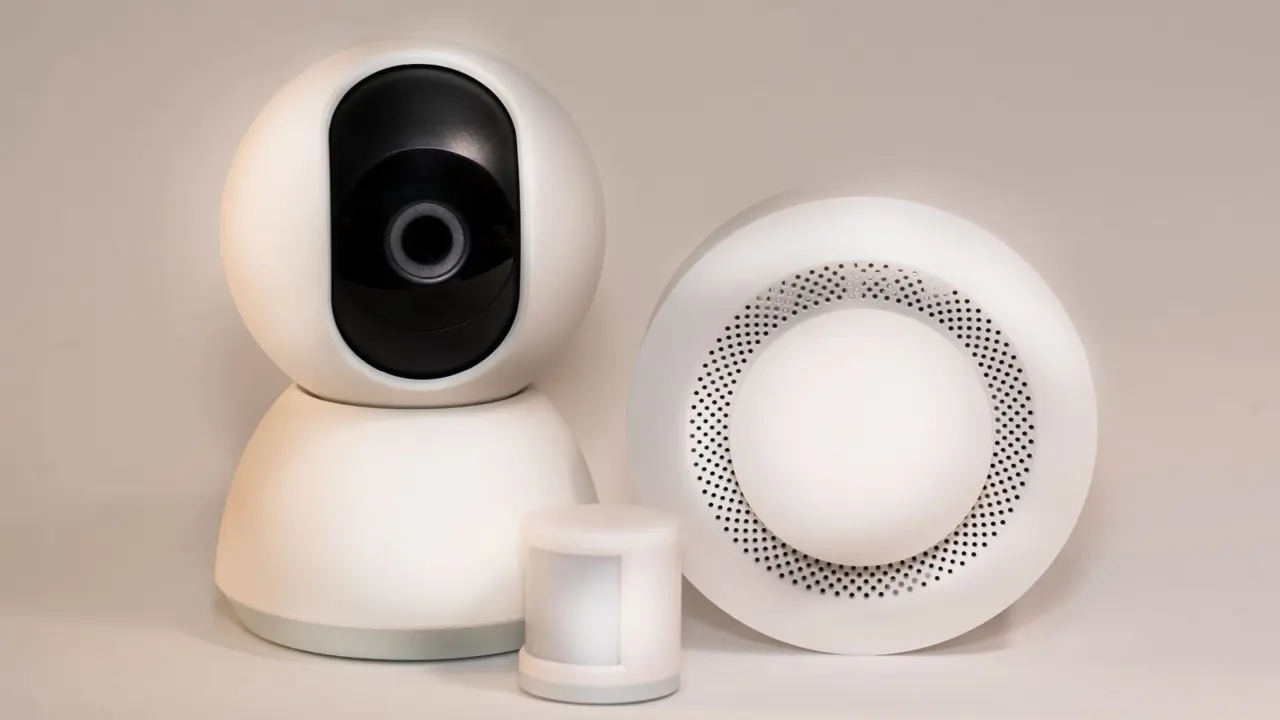
- Detectors, clocks and chargers: smoke detectors, alarm clocks and USB chargers are among the most common hiding spots in rentals.
- Frames and appliances: picture frames and air purifiers sit on the same list of most common spots.
- Fixtures and hooks: mirrors, clothing hooks, outlets, switches and USB charging blocks can also conceal a camera, according to CCTV Camera World.
Rooms and sightlines that matter most
Cameras are typically aimed at places where people spend time or expect privacy: beds, seating areas, bathrooms and entry points. Bedrooms and bathrooms are listed as high-risk spaces in hotels, Airbnb rentals and vacation rentals. Prioritise any object with a clear line of sight to the bed or the bathroom door, and leave decorative items in the corridor for later.
What rental platform rules allow
Many renters assume a camera is acceptable anywhere as long as the host mentions it. Platform rules are narrower than that. An NPR report from June 2022 noted that Airbnb hosts must disclose any cameras on the property and that those cameras should not be in private areas such as a bathroom or bedroom.
The rule has since tightened. Since April 2024, Airbnb prohibits all indoor cameras in listings, while outdoor cameras and video doorbells remain allowed if hosts disclose them before guests book. Vrbo’s policy, as reported by DIYControls, limits cameras to the outside of the home and not where travelers would reasonably expect privacy.
The practical takeaway: read the listing for camera disclosures before you book, and treat an indoor camera in an Airbnb as a policy problem even if it is disclosed. An undisclosed device anywhere is a problem on any platform.
Visual inspection first
Start with your eyes, because a visual pass costs nothing and finds the wired cameras that network tools cannot. Work through the room in a fixed order so you do not skip surfaces.
- Check the likely objects. Look closely at smoke detectors, clocks, chargers, frames, purifiers, outlets and mirrors, starting with those facing the bed or seating.
- Follow the cables. Look for cables running behind furniture, into walls, or connecting to devices that would not normally need a cord. Power wiring can give a camera away.
- Mark and stop. Note anything you cannot explain, and do not pull it apart or unplug it. The final section explains why.
Lens and infrared sweep in the dark
Once the visual pass is done, turn the lights off and look for lenses and infrared light. This step suits anyone with a phone and a flashlight, and it covers wired cameras as well as wireless ones.
- Flashlight reflection: shine a flashlight slowly across surfaces. A lens shows up as a blue reflection, different from the glint of ordinary glass or plastic.
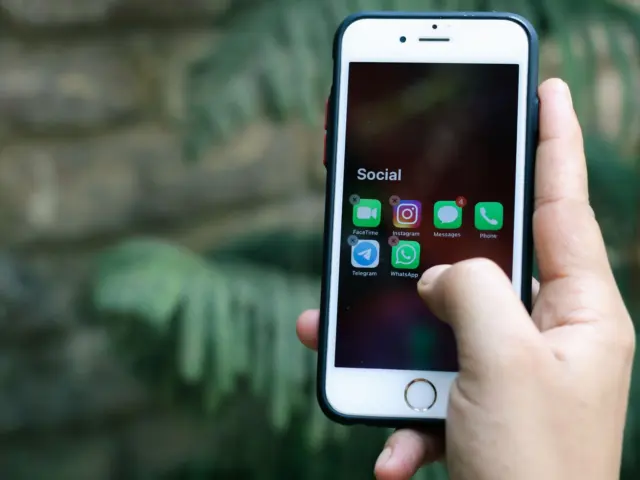
- Phone infrared check: your phone’s front-facing camera can detect infrared light from night-vision cameras, which appears as a bright white or purple dot on screen. On newer iPhones use the front camera, since the main camera has a built-in infrared filter. In a dark room, an infrared signal can also look like a red dot that glows.
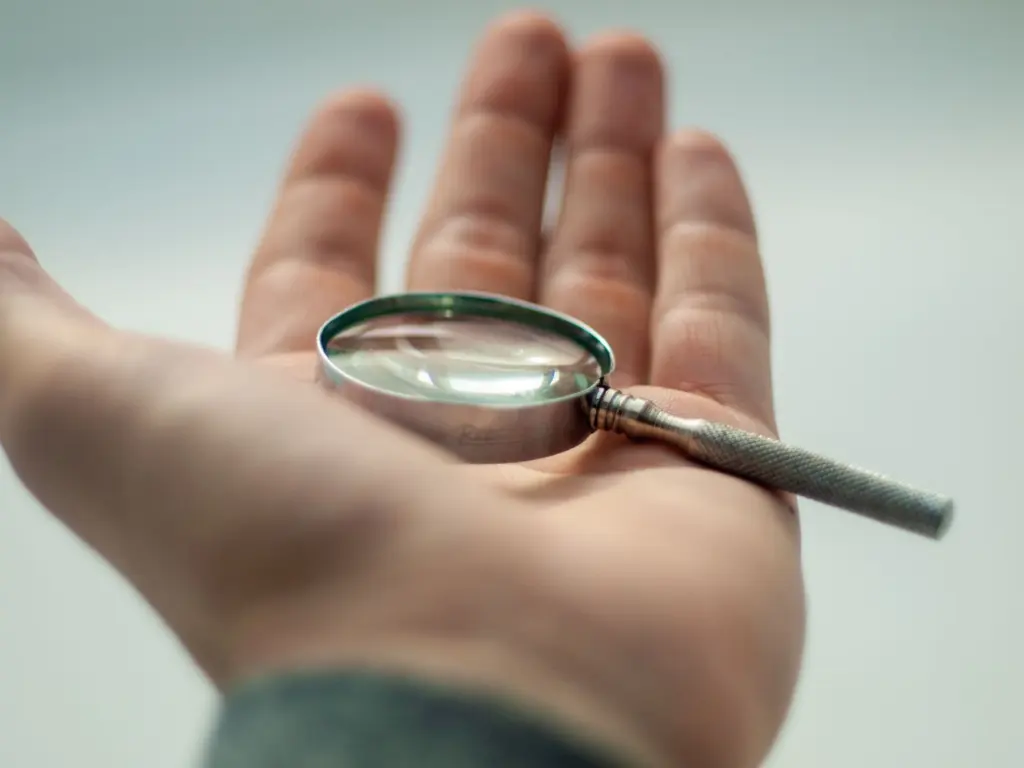
- Dedicated lens finder: these work on wired and wireless cameras, but require a dark room and patience. A combined handheld unit can find transmitting and non-transmitting video surveillance devices.
Do the infrared pass before the flashlight pass, then repeat both slowly over the bed area and bathroom.
Wi-Fi and wireless checks
Network checks are the most overrated step and still worth doing, as long as you know their scope. Open your phone’s Wi-Fi list and look for networks with generic or random names, such as Camera-001 or DIRECT-xx, according to Fing. A network scan only finds cameras connected to the same network you are scanning, and hotel Wi-Fi often uses client isolation, which means a scan may not reveal other connected devices. Wired cameras never appear in the scan at all.
Wireless cameras are the ones an RF detector can find, since they are easier to detect with Wi-Fi, Bluetooth and cell signal radio frequency scanners. An RF detector is a small physical device that picks up wireless signals from cameras and transmitters, so it will also react to routers and Bluetooth speakers. Walk it past each flagged item and then inspect that spot by eye.
If you stay on a network you do not control, whether a VPN makes sense is covered in Do You Need a VPN at Home? A Practical Guide for 2026 – Cubeguard.
What to do if you find one
Do not touch or unplug the device. Leaving it in place preserves evidence for any report you make. Then leave the decision about who to contact to the circumstances.
- In an Airbnb: an indoor camera breaks the platform’s indoor-camera ban in place since April 2024, so report it to the platform. A disclosed outdoor camera or doorbell is a different case.
- In a hotel or other rental: tell the property manager or booking platform, and consider contacting local authorities, since laws vary by state and country.
Cameras are only one way a device can watch you. The microphone question is a separate one, covered in Is My Phone Listening To Me? How To Tell, Stop It, And Protect Your Privacy In 2026 – Cubeguard.
Frequently asked questions
| Question | Answer |
|---|---|
| How small is a hidden camera lens? | Camera lenses are typically pinhole lenses that are tiny in size, which is why a lighting-based sweep helps more than a glance. |
| Is recording someone without consent illegal? | In most places, yes, but loopholes exist, and laws vary by state and country. |
| What counts as a surveillance device on Airbnb? | Airbnb considers a surveillance device anything that can capture or transmit audio, video or still images. |
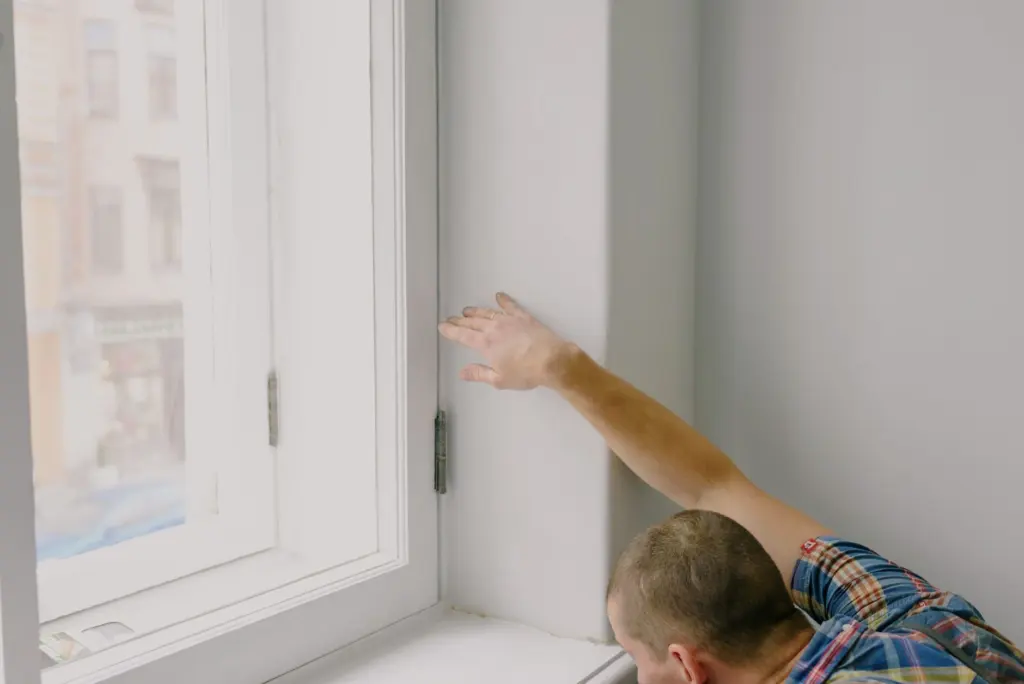
| How can I tell if a mirror is two-way glass? | Touch a fingertip to the glass. If your fingertip seems to meet its reflection with no gap, it may be two-way glass. |