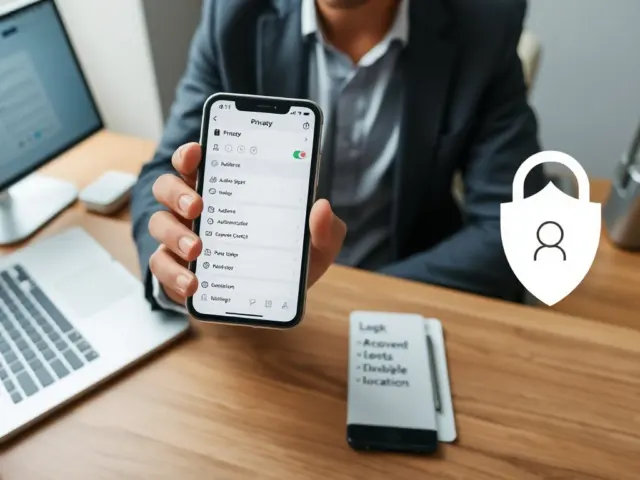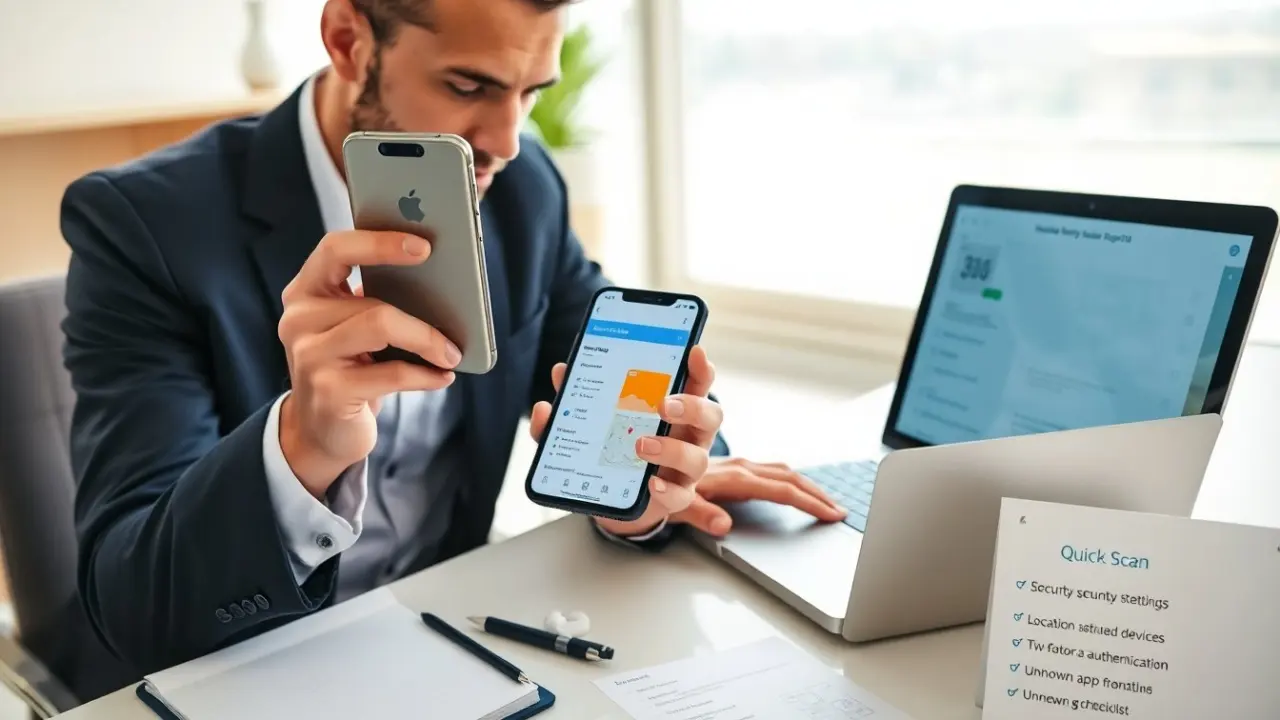
They ask, “how do i know if someone is tracking my phone” within the first step of a security check. The guide lists clear signs, simple scans, and permission checks. The guide shows what to do if tracking appears. The guide uses short sentences and direct actions. The reader will learn fast ways to detect unwanted tracking.
Key Takeaways
- Watch for signs your phone might be tracked, such as battery drain, unusual data use, unknown apps, and strange call behavior.
- Perform manual scans by checking app permissions and recent app use to spot potential spyware quickly.
- Use reputable security apps to run full device scans and follow their guidance to remove tracking software.
- Verify location sharing settings and linked accounts regularly to detect unauthorized device connections or access.
- If tracking is found, immediately disconnect from networks, remove suspicious apps, change passwords, and contact your carrier and law enforcement if needed.
- Maintain phone security by enabling two-factor authentication, updating software, limiting app sources, and scheduling regular security scans.
Common Signs Your Phone Might Be Tracked
A person who asks “how do i know if someone is tracking my phone” often notices specific signs. The phone heats up while idle. The battery drains faster than usual. The phone shows data use spikes with little activity. Strange apps appear in the app list. Unknown profiles or device names appear in account lists.
The phone rings with silent calls or short numbers. The owner hears echo or odd background noise on calls. The GPS marker moves while the owner stays still. Popups or browser redirects appear that did not appear before. Ad behavior changes suddenly after sharing contacts or links.
They should watch for sudden performance drops after an OS update. The phone may reboot without warning. The owner may see text messages with strange codes or links. The person should not assume every weird sign means tracking. They should use the checks below to confirm.
How To Scan For Spyware Or Tracking Apps (Step‑By‑Step)
They ask “how do i know if someone is tracking my phone” and then run a scan. The scan starts with manual checks. The owner opens Settings and inspects installed apps. The owner sorts apps by last used time. The owner looks for apps without icons or with vague names.
They check app permissions next. The owner opens Permissions and looks for apps with access to location, microphone, or SMS. The owner revokes permissions that look unnecessary. The owner deletes suspicious apps and then restarts the phone.
They run a security app scan after manual checks. The owner chooses a reputable scanner from a known vendor. The owner updates the scanner and runs a full device scan. The scanner reports apps that match spyware signatures. The owner follows the scanner guidance to remove flagged items.
They perform a factory reset when removal fails. The owner backs up photos and contacts first. The owner resets the phone to factory settings. The owner restores only essential apps and watches for repeat signs.
Quick Scan: Manual Checks For Hidden Apps, Battery Abuse, And Data Use
They perform quick checks when time is short. The owner opens battery settings and looks for abnormal drain. The owner opens Data Usage and checks for high background use. The owner views app lists and taps each app to see storage and permissions. The owner examines device admin apps for unknown entries. The owner checks the list of paired Bluetooth and connected devices. The owner turns off unknown connections. These quick checks can confirm many basic tracking attempts.
How To Verify Location Sharing, Linked Accounts, And Device Permissions
They ask “how do i know if someone is tracking my phone” and then inspect sharing settings. The owner opens location settings and views apps that can access location. The owner turns off location for apps that do not need it. The owner checks system-level location sharing for family or friends and disables sharing when needed.
They review linked accounts and devices next. The owner visits account security pages for Google or Apple. The owner lists signed-in devices and looks for unfamiliar devices. The owner removes devices they do not recognize. The owner changes the account password and enables two-factor authentication.
They audit app permissions and device admin rights. The owner opens the permissions screen and grants only needed access. The owner removes device admin access for apps that do not need control. The owner resets permissions for high-risk apps like messaging or navigation. The owner reviews app settings for backup or remote access features and disables those that they did not enable.
They check message forwarding and email rules. The owner looks for forwarding numbers in SMS settings. The owner checks email filters and forwarding rules. The owner removes any rule that forwards copies to unknown addresses.
What To Do If You Find Tracking — Immediate And Longer‑Term Steps
They ask “how do i know if someone is tracking my phone” and then act fast when they find tracking. The owner disconnects the phone from Wi‑Fi and cellular service. The owner removes the suspicious app or runs a security tool to quarantine it. The owner changes account passwords on a separate device.
They report the incident to service providers. The owner calls the carrier and asks about unusual SIM activity. The owner requests a SIM swap block when the carrier offers one. The owner files a report with local law enforcement if the tracking feels threatening.
They secure accounts for longer term safety. The owner enables two-factor authentication on key accounts. The owner updates recovery information and removes obsolete devices. The owner uses a password manager to create strong unique passwords.
They plan device hygiene steps. The owner schedules regular scans with a trusted security app. The owner installs updates for the operating system and apps. The owner limits app installs to official stores and avoids unknown links. The owner considers a factory reset when they need a clean start.
They seek professional help when needed. The owner contacts a technician or a digital forensics service if signs persist. The owner keeps evidence like logs and screenshots if they plan to report the case.