Small business it setup must start with clear goals, user counts, and budget limits. This guide gives direct steps to pick equipment, software, and services. It shows how to secure data, set policies, and plan support. The reader will get a practical path to get online, protect assets, and scale technology with predictable costs.
Key Takeaways
- Start your small business IT setup by clearly defining goals, user needs, and a realistic budget to align technology choices with business priorities.
- Invest in essential hardware like business-class routers, firewalls, and managed switches, and ensure your network separates guest and staff Wi-Fi with updated security protocols like WPA3.
- Choose endpoint devices with robust specifications and business warranties to simplify maintenance and protect your investment over time.
- Leverage cloud services for identity management, email, and file sharing while setting standardized policies and automated backup schedules tailored to data criticality.
- Implement strong security measures such as multi-factor authentication, regular patching, least privilege access, and ongoing employee training to build a secure IT environment.
- Develop a clear support plan with defined responsibilities, routine audits, disaster recovery testing, and consider managed services versus in-house support based on your business resources.
Assess Your Business Needs, Users, And Budget
The team should list tasks, user roles, and required apps for a small business it setup. The leader should count users, estimate concurrent connections, and record mobility needs. The team should classify data by sensitivity and map workflows that touch that data. The finance lead should set a clear monthly and annual IT budget. The planner should pick priorities: connectivity first, then security, then redundancy. The planner should decide if the business will hire a managed service provider or handle support in-house. The team should schedule a one-page IT plan that ties needs to costs and milestones.
Essential Hardware And Network Infrastructure
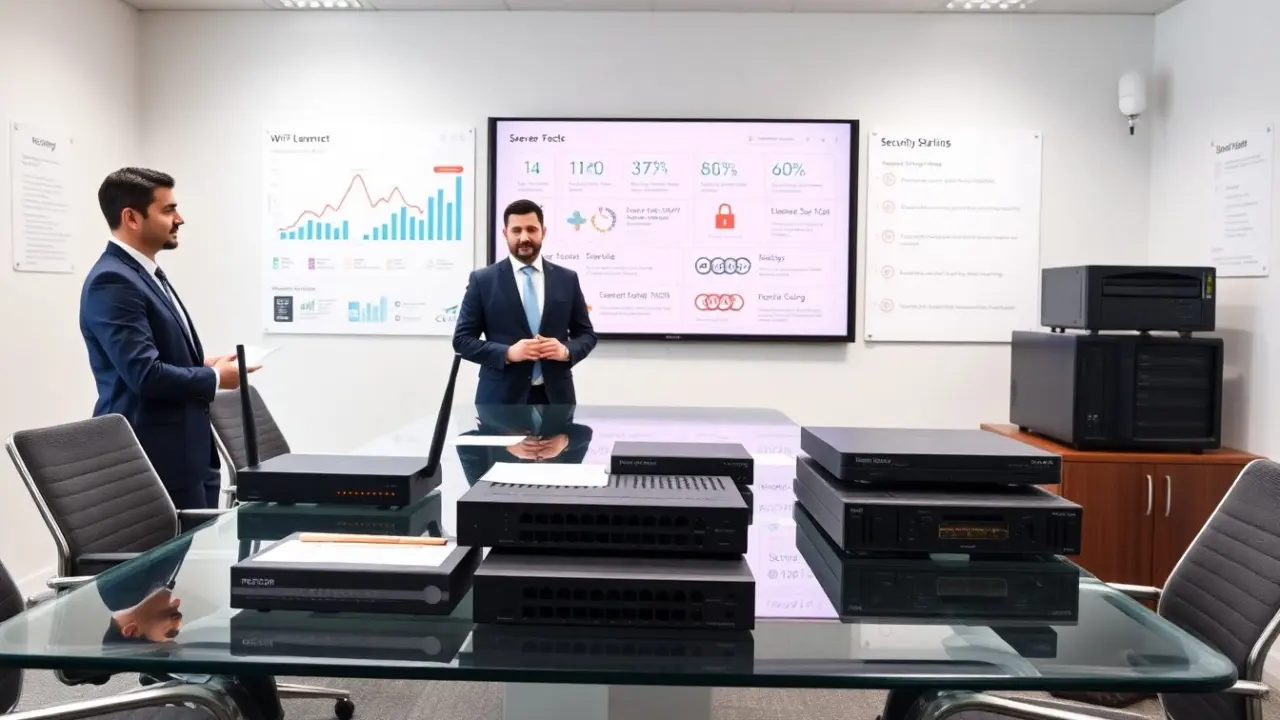
A reliable network forms the base of a small business it setup. The owner should buy a business-class router, a firewall appliance or unified threat management device, and managed switches for wired zones. The owner should separate guest Wi‑Fi from staff Wi‑Fi and enable WPA3. The business should pick an internet plan with upload speed that matches cloud use. The team should plan wiring and labeling for easy troubleshooting. The business should test site coverage with a Wi‑Fi heat map app and add access points as needed. The owner should plan for spare devices and a replacement budget equal to 10–15% of hardware cost per year.
Recommended Hardware Specs And Procurement Tips
For endpoints in a small business it setup, choose laptops with at least four cores, 16 GB RAM, and SSD storage. For desktops, choose similar CPU power and 256–512 GB NVMe. For servers, choose dual‑core Xeon or Ryzen Pro, 32 GB RAM minimum, and RAID or mirrored drives. Buy business warranties and next‑business‑day support for mission devices. Use a small set of standard models to simplify imaging and updates. Consider lease options to keep refresh predictable. Use vendor discounts or a reseller to get bundled pricing and consolidated invoices.
Core Software, Cloud Services, And Backup Strategy
The business should pick cloud services that fit its workflows for a small business it setup. Use a cloud identity provider for single sign-on and multi-factor authentication. Use managed email, shared storage, and calendar services to reduce admin work. The team should standardize on one office suite and one file sync tool. The business should set policies for file ownership and sharing. The business should schedule automated backups that match its recovery needs and retention policy. The IT lead should log costs and monitor usage to control cloud spend.
Choosing Cloud Services, Backup Schedules, And Disaster Recovery
Choose cloud providers that meet regulatory and geographic needs for a small business it setup. The IT lead should compare uptime SLAs and restore procedures. The team should set backup frequency by data criticality: hourly for transactional systems, daily for office files, and weekly archival for long‑term records. The business should keep at least one copy offsite in a different region. The IT lead should test restores quarterly and document the steps. The business should build a simple disaster recovery runbook and assign roles for failover and communication.
Security, Policies, And Ongoing Support Plan
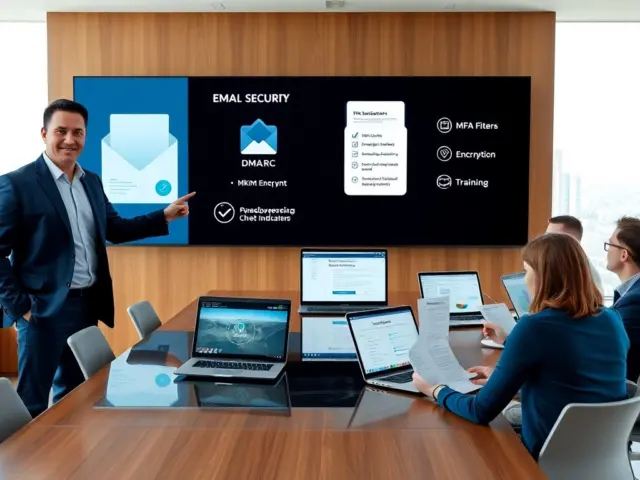
Security must sit at the center of a small business it setup. The manager should enforce multi‑factor authentication and strong password rules. The team should enable endpoint protection and regular patching for all devices. The business should apply least privilege for accounts and use role-based groups. The staff should receive basic security training and phishing simulations twice per year. The manager should create simple acceptable-use and incident response policies. The business should register a support cadence: monthly patch checks, quarterly audits, and annual penetration testing if budget allows. The owner should decide on an internal IT lead or an outsourced provider and define SLAs for response and resolution times.