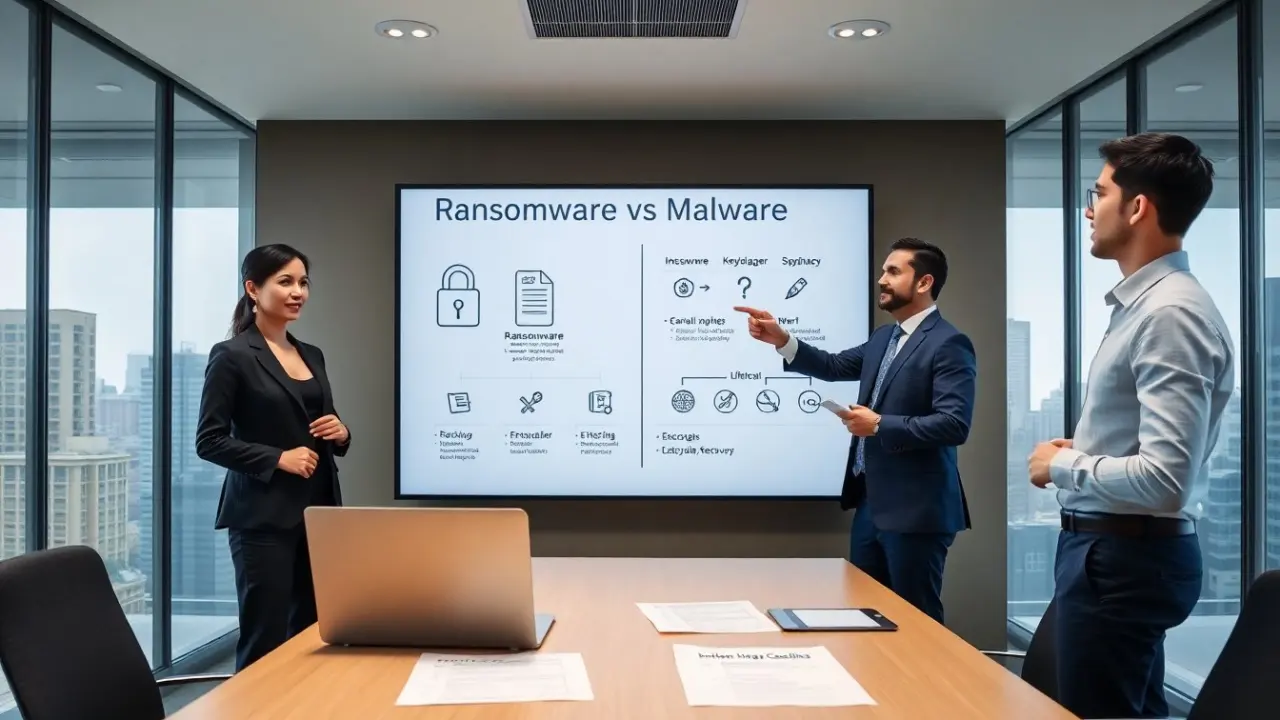
Ransomware vs malware appears often in security briefings in 2026. This comparison helps readers spot threats and act fast. The article defines each term, lists common types, and shows practical steps to reduce risk. It uses clear examples and short guidance. The reader will learn how attacks work and what steps reduce impact on devices and networks. Throughout, emphasis is on actionable controls — detection, containment, recovery, and organizational preparedness — so teams can translate understanding into improved security posture.
Key Takeaways
- Malware is harmful software that damages data or systems, while ransomware specifically encrypts files to demand payment for access.
- Understanding the differences between ransomware and other malware helps organizations prioritize defenses like backups, patching, and user training.
- Ransomware attacks cause immediate operational outages and require clean backups and incident response plans for recovery.
- Common malware types include viruses, worms, trojans, spyware, and adware, each with distinct behaviors and containment strategies.
- Early detection and network controls are crucial to reduce risks from both ransomware and other malware threats.
- Ransomware attacks often start with phishing or stolen credentials and require coordinated response efforts including legal and insurance teams.
What Is Malware? A Simple Definition And Why It Matters
Malware means software that harms computers or data. Security teams use the term for programs that steal, damage, or control systems. Malware can run silently or announce itself. It can corrupt files, capture credentials, or open backdoors. Users and managers must treat malware as a business risk. The cost includes downtime, data loss, and regulatory fines. Early detection cuts these costs. Clear definitions help teams assign responsibility and choose defenses. Understanding malware helps organizations prioritize patches, backups, and user training.
From an operational perspective, recognizing malware as a continuum of threats — from nuisance adware to nation‑grade intrusions — changes how resources are allocated. Detection tools such as endpoint detection and response (EDR), network monitoring, and centralized logging improve visibility. Policies that enforce least privilege, application allow‑listing, and timely patch management reduce the attack surface. Leadership that ties security controls to business outcomes — uptime, customer trust, and regulatory compliance — will be better positioned to fund necessary protections and respond quickly when incidents do occur.
Common Types Of Malware And How They Operate
This section outlines common malware types and how they act. The list shows basic behavior and a short note on containment. Readers get practical cues to spot each type and respond quickly.
Viruses And Worms: Replication And Network Spread
Viruses attach to files and require a user action to move. Worms copy themselves and move across networks without user help. Both aim to multiply and increase reach. Antivirus tools detect known signatures and unusual file changes. Network segmentation slows worm spread. Regular updates reduce the risk from both viruses and worms. Monitoring unusual traffic helps spot a worm early. Restoring from clean backups clears infected files after containment.
Operational controls include restricting removable media usage, enforcing strong firewall rules at network boundaries, and using honeypots or internal deception technologies to detect self‑propagating code. After containment, a careful rebuild of impacted systems from trusted images and a review of how the malware traversed the environment are necessary to prevent recurrence.
Trojans, Spyware, And Adware: Stealth, Theft, And Monetization
Trojans hide inside useful programs and open doors for attackers. Spyware collects credentials and browsing history. Adware shows unwanted ads to earn revenue. Trojans often arrive via email attachments or bundled downloads. Spyware and adware may install with free software or browser extensions. Endpoint detection looks for abnormal processes and unexpected outbound connections. User training reduces the chance of running a Trojan. Removing spyware and adware requires full scans and, sometimes, manual cleanup of browser settings.
Practical detection steps include reviewing process ancestry, checking for unusual persistence mechanisms (scheduled tasks, services, or startup entries), and correlating device telemetry with user actions. Containment often means isolating affected hosts, preserving forensic evidence, and resetting credentials for accounts accessed from compromised devices. For prevention, implement application control, restrict installation privileges, and maintain a vetted list of approved software.
What Is Ransomware? Goals, Variants, And Typical Targets
Ransomware encrypts files or locks systems to demand payment. Attackers aim to force a payment for access. Variants include locker ransomware and encryptors that target files and backups. Some groups also exfiltrate data and threaten public release. Typical targets include hospitals, schools, manufacturing, and small businesses. Attackers prefer targets with weak backups or urgent services. Ransom payments do not guarantee recovery. Organizations should assume attackers will try again and prepare incident plans and immutable backups.
Understanding ransomware requires looking at attacker economics and tactics. Many modern ransomware operations combine automated tooling with manual reconnaissance: initial access via phishing or compromised credentials, privilege escalation, lateral movement to critical servers, and targeted encryption timed to maximize disruption. Because of this, effective defenses combine preventive controls (patching, MFA, network segmentation), detection (EDR, file integrity monitoring), and resilience (offline or immutable backups, tested recovery procedures). Businesses should also predefine roles, legal checklists, and communication plans to reduce confusion during an incident.
How Ransomware Differs From Other Malware: Motivation, Impact, And Recovery
Ransomware focuses on immediate financial gain through extortion. Other malware may aim to spy, mine coins, or create botnets. Ransomware often causes visible operational outages. Other malware can run quietly for long periods. Recovery from ransomware needs clean backups, forensic review, and credential resets. Recovery from other malware may require deeper threat hunting to find long-term access. Both need patching, network controls, and user education to reduce risk. Insurance and legal teams often join ransomware responses earlier because of payment and disclosure issues.
Key practical distinctions that affect response and planning:
- Motivation and urgency: Ransomware creates an immediate crisis requiring rapid isolation and recovery decisions; espionage malware may require careful, covert eradication to avoid tipping off advanced actors.
- Impact vectors: Ransomware deliberately targets availability (encrypted data, locked systems); other malware often targets confidentiality or compute resources.
- Recovery approach: Ransomware cleanup emphasizes restoring known‑good backups and rotating credentials; recovery from persistent access requires sustained hunting, credential resets, and possibly reimaging to ensure complete removal.
For both ransomware and other malware, mature incident response programs include defined playbooks, regular tabletop exercises, timely backups with restoration tests, role assignments (technical leads, legal, communications), and post‑incident reviews that feed into measurable security improvements.
Typical Ransomware Attack Lifecycle: Infection To Extortion
An attacker gains initial access via phishing, stolen credentials, or a vulnerable external service. The attacker moves laterally to find backups and high-value systems. The attacker deploys ransomware and encrypts files. The attacker posts a ransom note with payment instructions and threatens data release if payment does not occur. The victim detects the event, isolates affected systems, and begins recovery. The victim restores from backups if they exist and remove attacker access. The victim notifies stakeholders and, where required, regulators. Teams must learn from the event and improve defenses to prevent repeats.
Operational recommendations mapped to lifecycle phases:
- Prevent initial access: enforce MFA, phish-resistant authentication, vulnerability management, and restrictive remote access policies.
- Detect and contain lateral movement: use network segmentation, restrict administrative privileges, monitor for abnormal authentication patterns, and deploy EDR with behavioral analytics.
- Protect backups and recovery: maintain offline or immutable backups, regularly test restores, and segregate backup management from general administrative accounts.
- Respond and recover: have an incident response plan that includes technical playbooks, legal and communications checklists, and relationships with external resources (forensics, restoration specialists, and insurers).
Finally, post‑incident work — root cause analysis, patching, adjusting monitoring thresholds, and targeted user training — completes the cycle and materially reduces the chance of repeat incidents. Clear metrics (time to detect, time to contain, time to restore) help measure progress and communicate improvements to stakeholders.