How does a phishing email work and why should people care now? The phrase how does a phishing email work guides this piece. It explains the main tactics attackers use, shows common red flags, and gives clear steps readers can use. The writing uses plain sentences. It keeps each idea focused and practical so readers can act fast.
Key Takeaways
- Phishing emails work by impersonating trusted sources to steal credentials, deliver malware, or commit financial fraud.
- Common red flags include slight sender address variations, urgent requests, mismatched links, and suspicious attachments.
- Attackers use social engineering like spoofing names and personalized data to increase email credibility and success rates.
- To spot phishing, verify sender addresses carefully, hover over links to check URLs, and scan attachments before opening.
- Enable multi-factor authentication and use email filters to reduce phishing risks effectively.
- If suspicious, report the email to IT or providers and change passwords only after confirming the legitimate website.
What Is Phishing? Common Types, Attack Goals, And Typical Red Flags
Phishing describes a fraud that tries to steal data or money. When people ask how does a phishing email work, they mean how attackers trick recipients into giving access. Attackers send emails that pretend to come from a bank, a service, or a coworker. The main types include credential theft, invoice fraud, and link-based malware delivery.
Attackers pursue a few clear goals. They want passwords, payment details, or a way to place malicious software. They also want to gain account access to move money or sell access on dark web markets.
Typical red flags appear in most phishing emails. The sender address looks similar but not exact to a real address. The message asks for urgent action or threatens account closure. The email contains links with mismatched text and URL. Attachments arrive with odd file extensions or prompt macros. The tone tries to rush decisions or create fear.
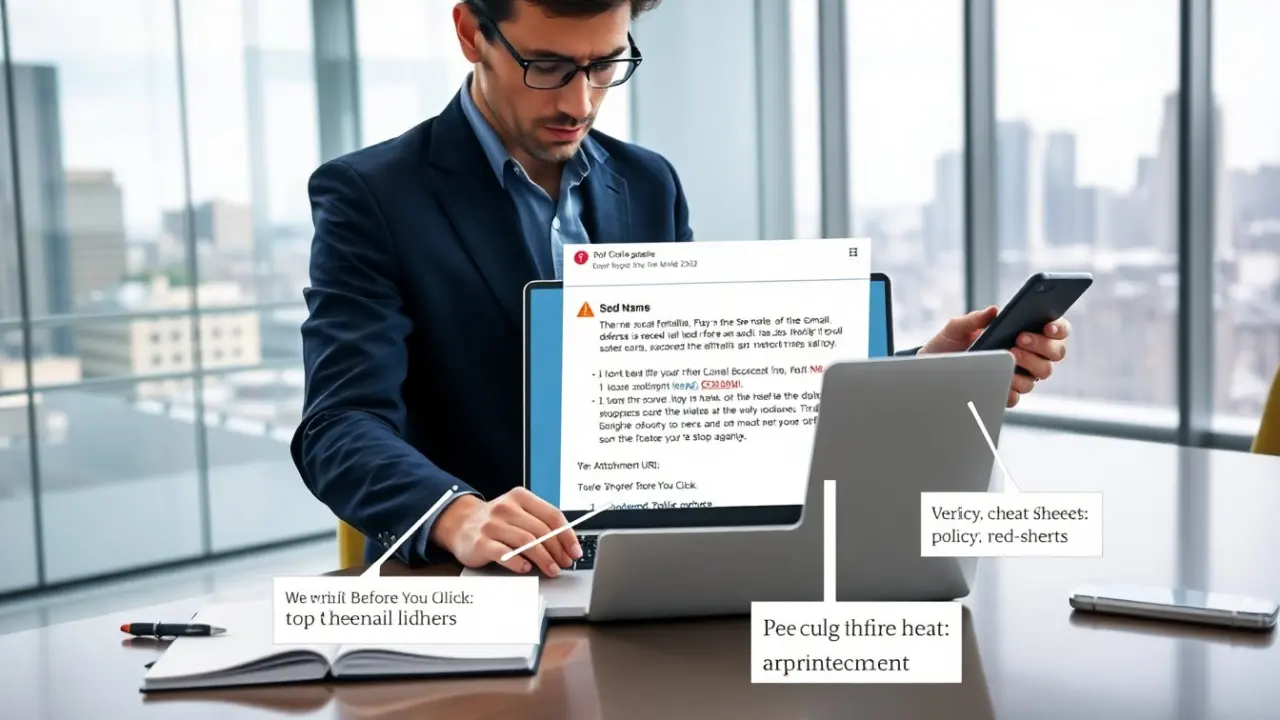
People can test a message with a few checks. They can hover over links to see the actual URL. They can compare the sender address to a known address. They can call the company’s published number rather than reply. They can open attachments only after scanning them with updated antivirus software.
When readers ask how does a phishing email work, they should also note social engineering tactics. Attackers craft messages that reference recent events, use company logos, and mimic internal jargon. They may spoof display names so the message name looks familiar while the underlying address differs. They may include personalized data to lower suspicion. These tactics increase success rates.
The frequency and scale of phishing changed by 2026. Attackers use automation to send millions of messages and use AI to write more convincing text. This change raises the need for basic verification skills. People who learn the simple red flags reduce risk and make attackers need more effort to succeed.
Anatomy Of A Phishing Email: How Attackers Craft Messages, Deliver Payloads, And Profit
Attackers follow a predictable structure when they ask how does a phishing email work. They choose a target, assemble content, and add a delivery mechanism. The content often includes a subject line that triggers curiosity or fear. The body contains a short call to action. The footer mimics real companies and may show fake contact details.
Attackers place their payload in links, attachments, or embedded forms. Links often lead to cloned websites that ask for login credentials. Attachments can include scripts or macros that drop malware when opened. Forms inside the email can collect data directly without a separate site.
Attackers use several delivery techniques. They send bulk campaigns through compromised mail servers. They use domain spoofing to make a link or sender appear legitimate. They register lookalike domains that differ by one character. They also send targeted messages in a spear-phishing approach when they want high-value access.
Attackers profit in clear ways. They sell credentials on underground markets. They cash out directly by transferring funds. They use stolen accounts to spread more scams. They also use harvested data to conduct identity fraud and to bypass multi-factor protections with social engineering.
Organizations detect these emails with layered defenses. Email filters analyze headers, URLs, and attachment signatures. DNS checks and domain reputation lists block known malicious domains. User training reduces click rates by teaching staff to verify messages. When defenders ask how does a phishing email work, they focus on inserting verification steps before trust.
Attackers adapt. They test subject lines, timing, and message length to find what gets clicks. They buy real-looking templates and use AI to personalize messages at scale. These changes increase the need for simple verification habits among recipients.
How To Spot, Verify, And Respond Safely (Practical Steps Anyone Can Use)
Spotting a phishing email starts with one quick habit: pause before acting. When people ask how does a phishing email work, they should practice a short checklist.
Verify the sender. They should compare the display name to the full email address. They should not trust a name alone. They should confirm via a known phone number or company portal if the message asks for sensitive action.
Check the link. They should hover or long-press a link to reveal the real URL. They should compare that URL to the official site. They should type the official address in a browser instead of clicking if they doubt the link.
Inspect attachments. They should avoid opening unexpected files. They should scan attachments with updated antivirus tools. They should not enable macros in documents from unknown senders.
Assess the request. They should question urgent demands and prize offers. They should treat payment or credential requests as high risk. They should ask whether the message aligns with normal company process.
Use technical tools. Email filters, domain-based message authentication, and multi-factor authentication lower risk. They should enable multi-factor authentication on critical accounts. They should keep devices and software patched.
Respond safely. If they suspect phishing, they should report the message to their IT team or the service provider. They should mark the message as phishing in their email client. They should change passwords only after confirming the legitimate site and using a secure device.
Practice these steps often. When people ask how does a phishing email work, quick verification habits cut risk dramatically. These habits give defenders time to block attacks and stop damage before it starts.