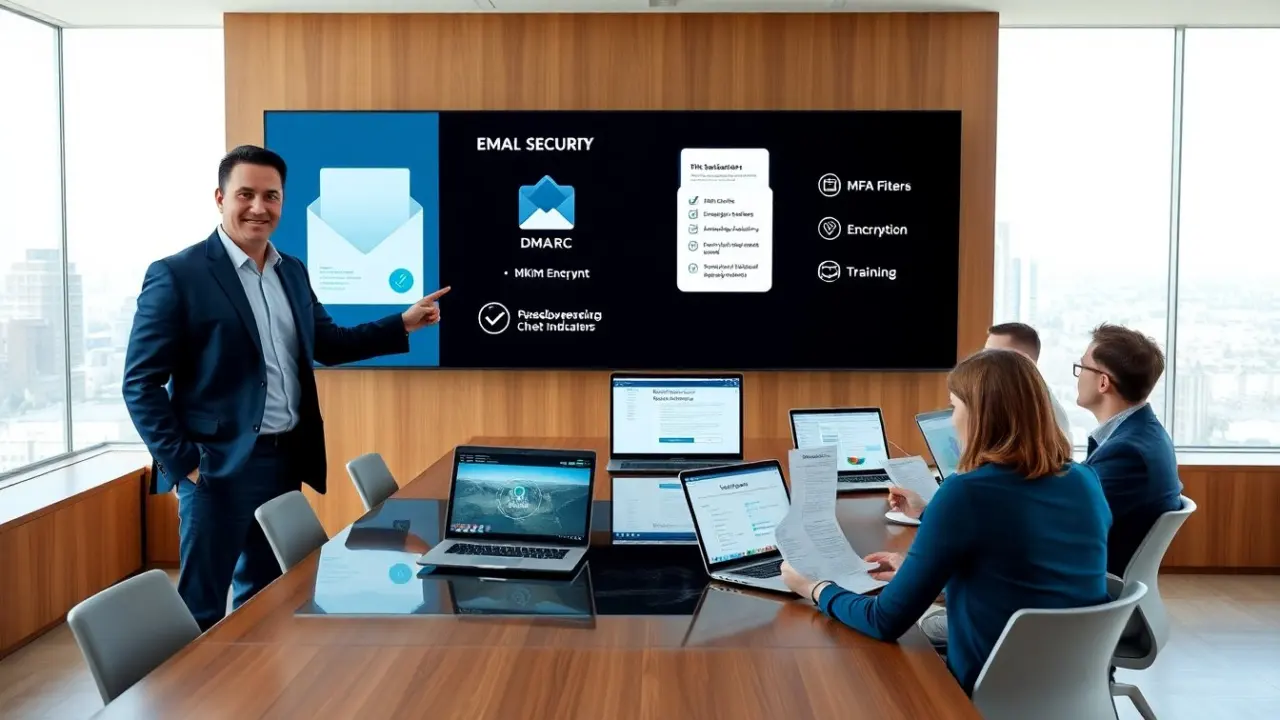
Email security for small business protects data, reputation, and revenue. It blocks phishing, stops credential theft, and limits outage risk. Small teams face the same threats as larger firms. They need clear, actionable defenses. This article lists practical steps. It helps managers and IT staff reduce breach risk with straightforward measures.
Key Takeaways
- Email security for small business is crucial to protect sensitive customer data, prevent fraud, and maintain trust.
- Small teams face the same email threats as larger firms but often lack dedicated security staff, making straightforward defenses essential.
- Implementing multi-factor authentication (MFA), strong password policies, and regular backups significantly reduces breach risks.
- Use domain-based message authentication protocols like DMARC, DKIM, and SPF to prevent spoofing and phishing attacks.
- Regular staff training on recognizing phishing and social engineering tactics enhances overall email security resilience.
- Continuously monitor email activity, review policies quarterly, and measure security metrics to maintain and improve your email security posture.
Why Email Security Matters For Small Businesses
Small companies store customer data and payment details in email. Attackers target those accounts for quick gain. They send phishing messages to trick staff into giving passwords. They exploit weak passwords and reused credentials. A single compromised inbox can let attackers read contracts and invoices. They can impersonate staff to request wire transfers. Small teams often lack dedicated security staff. They have fewer layers of defense than large firms. That gap raises the value of email security for small business. Strong email controls reduce fraud, downtime, and recovery costs. They also protect customer trust and legal standing. Leaders can start with simple policies that scale as the company grows.
Common Email Threats And How To Recognize Them
Phishing emails ask for passwords or payment details. They mimic vendors or executives. Staff must check sender addresses and links. Malicious attachments include macros and scripts. Users should avoid opening unexpected attachments. Credential stuffing uses breached passwords on company accounts. IT should detect multiple failed login attempts. Business Email Compromise (BEC) tricks staff into sending money. Attackers study company tone and vendor patterns. Spoofed domains appear similar to real domains. Email headers reveal the true source. Malware can arrive through drive-by downloads from links. Security tools should scan links and attachments. Social engineering uses urgency or fear to prompt action. Staff training must highlight those emotional triggers. Monitoring for unusual send patterns helps detect account takeover. Regular checks of login locations flag risky sessions.
Essential Email Security Measures For Small Teams
Small teams need layered email security for small business. They should enforce strong passwords and use a password manager. They should enable multi-factor authentication on all accounts. They should use domain-based message authentication to prevent spoofing. They should enable DMARC, DKIM, and SPF records for their domain. They should deploy email filtering to block spam and known threats. They should use attachment sandboxing to test dangerous files. They should apply client and server encryption for sensitive messages. They should limit admin access and use role-based accounts. They should monitor login logs and set alerts for odd activity. They should schedule regular backups of mailboxes and contacts. They should maintain a response plan for suspected breaches. They should test the plan with simple drills. Each measure reduces risk and helps the team respond quickly. Leaders should review policies quarterly and update them when staff changes occur.
Quick Implementation Checklist: MFA, Encryption, Policies, Backups, And Training
MFA: They enable multi-factor authentication on all business email accounts. They prefer app-based authenticators or hardware keys. They enforce MFA for admin and finance roles first.
Encryption: They enable TLS for email transport. They use end-to-end encryption for invoices and contracts. They store encryption keys with a trusted provider.
Policies: They create an email usage policy that limits forwarding of sensitive data. They require password length and rotation rules. They ban personal email for business transactions.
Backups: They run daily mailbox backups and retain copies offsite. They test restore procedures twice a year. They keep backup logs and access records.
Training: They run short phishing simulations every quarter. They teach staff to verify payment requests by phone. They distribute a one-page cheat sheet on spotting scams.
Additional Steps: They register similar domains to block typo-squatting. They carry out DMARC at a quarantine or reject policy after testing. They enable link protection in the email gateway. They restrict auto-forward rules to external addresses.
Deployment Order: They start with MFA and backups. They add DMARC, DKIM, and SPF next. They follow with email filtering and encryption. They finish with training and policy enforcement.
Measurement: They track phishing click rates, failed login trends, and backup success rates. They assign responsibility for each metric to a named person. They review metrics in monthly operations meetings.